



























































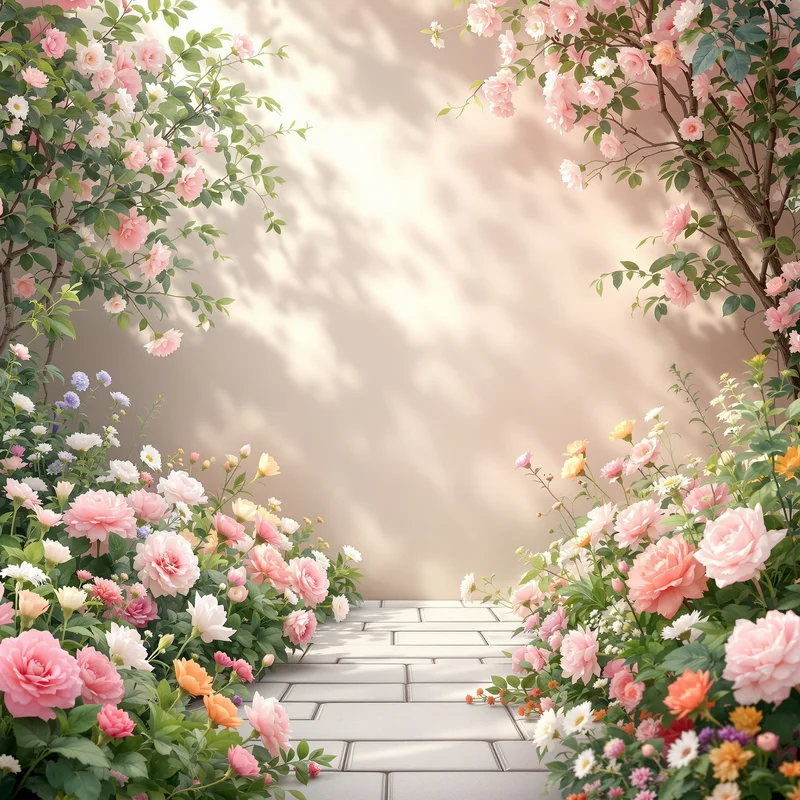














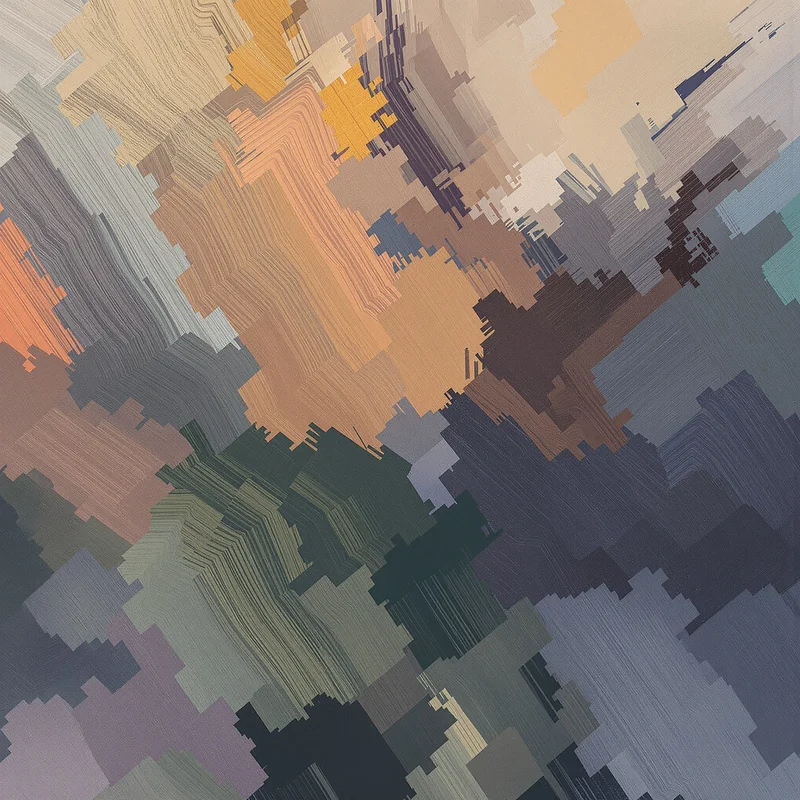








Background Library
The Background Library organizes background images by their dominant visual identity. Explore clean solid color fields, abstract compositions, textures, materials, natural scenes, artistic styles and purpose-driven backgrounds, with collections designed for websites, presentations, interfaces, graphics and full-screen viewing.
Explore Backgrounds by Type
The library is divided into two primary collections. Solid Color Backgrounds are defined mainly by color itself, while Theme Backgrounds are defined by a stronger visual mechanism such as texture, material, scene, pattern, artistic treatment, optical effect or design intent.
Solid Color Backgrounds
Solid Color Backgrounds organize images where a single color or closely related color family remains the dominant visual signal. Hue, saturation, brightness and tonal consistency can vary, but recognizable objects, materials and scenes remain absent or secondary.
- White Background
- Black Background
- Gray Background
- Blue Background
- Green Background
- Red Background
- Orange Background
- Yellow Background
- Pink Background
- Purple Background
- Brown Background
- Beige Background
More specific color families include Cyan, Teal, Aqua, Mint, Navy, Violet, Lavender, Coral, Maroon, Olive, Cream, Gold, Silver and Off White.
Theme Backgrounds
Theme Backgrounds cover collections where something beyond a single color field defines the image. This can be a surface texture, recognizable material, natural environment, abstract structure, artistic technique, optical effect or practical layout intent.
How Backgrounds Are Organized in the Library
The dominant visual signal determines where a background belongs. A mostly uniform blue field belongs to Blue Background because blue itself is the main identity. If a smooth color transition becomes the strongest feature, the image belongs more naturally to Gradient Background or Blue Gradient Background.
The same rule applies to materials and textures. A plain white visual field can belong to White Background, while recognizable paper grain or fibers move the image toward White Paper Background. A dark field belongs to Black Background when color dominates, while visible surface structure can make Black Texture Background the more precise Entity.
Recognizable scenes also take priority over color. A green-dominant image of trees is better represented by Forest Background when woodland structure defines the image. Likewise, a blue field shaped primarily by open water belongs to Ocean Background rather than a generic Blue Background.
Browse Background Themes
Abstract & Visual Effects
- Abstract Background
- Gradient Background
- Bokeh Background
- Pattern Background
- Grunge Background
- Smoke Background
- Neon Background
- White Abstract Background
- Green Abstract Background
Materials & Textures
- Paper Background
- White Paper Background
- Fabric Background
- Wood Background
- Metal Background
- Glass Background
- Stone Background
- Concrete Background
- Marble Background
- Carbon Fiber Background
Nature & Environment
- Forest Background
- Mountain Background
- Sky Background
- Cloud Background
- Ocean Background
- Water Background
- Rain Background
- Snow Background
- Grass Background
- Garden Background
- Jungle Background
- Tree Background
Atmosphere & Space
- Sunrise Background
- Sunset Background
- Moon Background
- Space Background
- Galaxy Background
- Fire Background
Artistic Backgrounds
- Watercolor Background
- Oil Painting Background
- Digital Painting Background
- Floral Background
- Rose Background
Professional & Event Backgrounds
Explore Background Images in Full Screen
Background images are easier to evaluate when they can be viewed across the full display. A larger view reveals color consistency, surface detail, tonal transitions, material structure, scene depth and available negative space that may be difficult to judge from a small preview.
Individual Background HUBs provide direct image viewing so you can inspect each image in full screen before using it as a desktop background, presentation surface, interface backdrop or visual design layer.
Choose a Background by Visual Intent
- Choose Solid Color Backgrounds when color itself should remain the dominant visual element.
- Choose Material or Texture Backgrounds when surface characteristics need to remain visible.
- Choose Nature and Scene Backgrounds when a recognizable environment should define the image.
- Choose Abstract, Gradient or Pattern Backgrounds when composition and visual structure matter more than a recognizable subject.
- Choose Artistic Backgrounds when painting technique or artistic treatment is the primary visual signal.
- Choose Professional and Event Backgrounds when layout intent is more important than color or material alone.