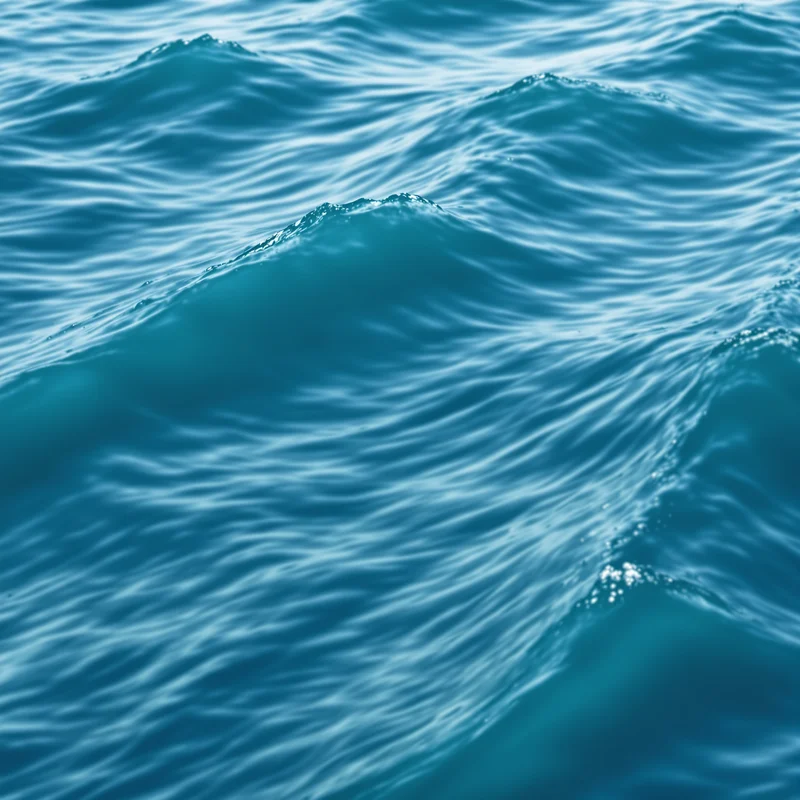


















Ocean Background
Ocean backgrounds use expansive open water, broad surface variation and large-scale spatial depth to create a natural marine visual field. This collection lets you open ocean background images in full screen for websites, presentations, typography, editorial layouts and large visual displays.
Ocean Background Full Screen
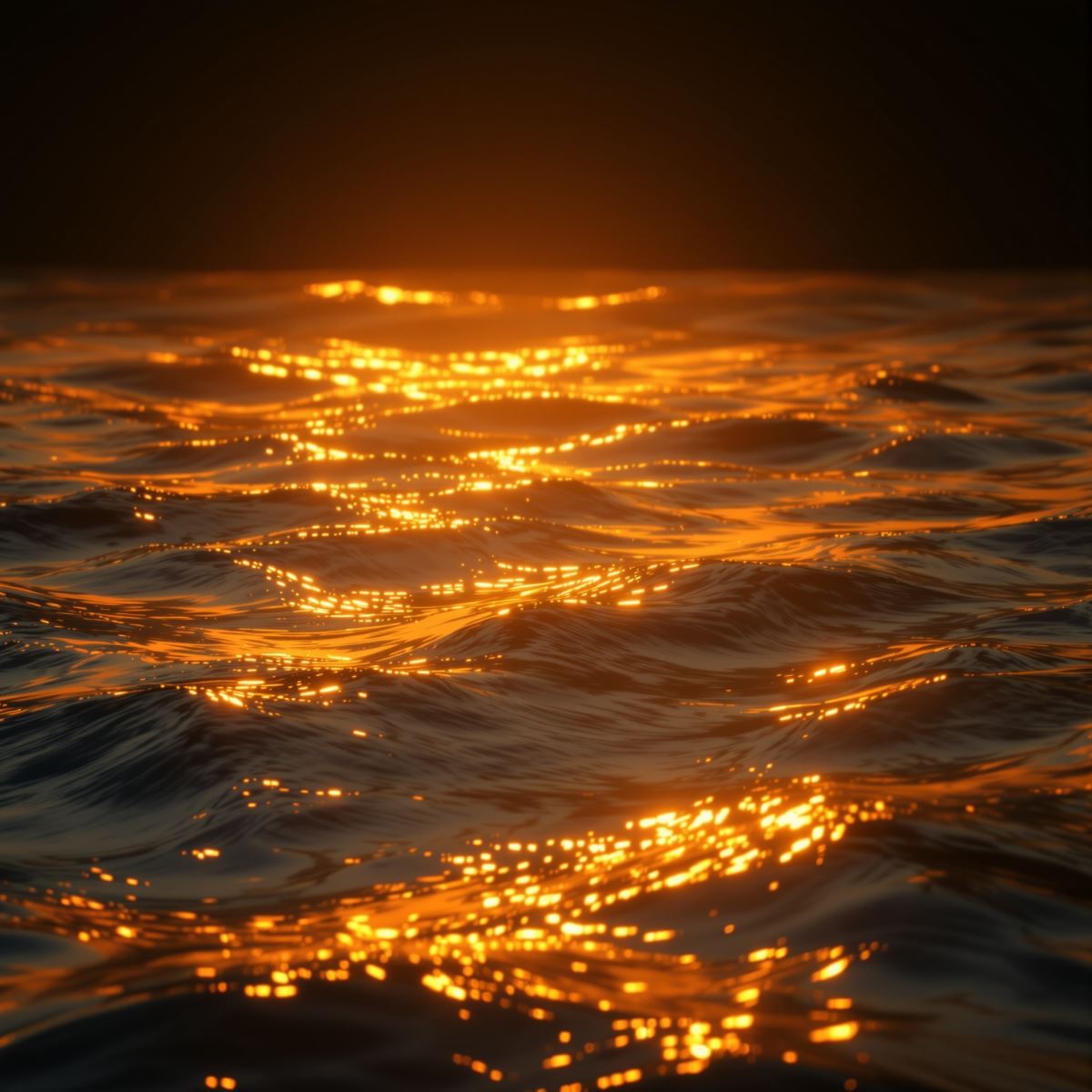
Ocean background extending an expansive marine water field across a full-screen display.
Open the image at full size to inspect how open water, surface variation and spatial depth are distributed across the entire display. Full-screen viewing makes the scale of the marine scene easier to evaluate while showing which areas provide suitable visual space for typography, graphics or presentation content.
How Open Water and Distance Create Ocean Depth
Ocean backgrounds gain their identity from a broad marine water field rather than from an isolated liquid texture. The large spatial extent of the water surface creates a stronger sense of environment and scale than a close-up view of water alone.
Surface variation adds structure across the scene. Subtle changes in tone, texture and brightness can separate different areas of the water while preserving the continuous visual character of the ocean.
Distance contributes another layer of depth. Nearer and more distant regions can differ in apparent scale, contrast or tonal intensity, helping the marine field extend visually through the background without depending on any one color or lighting condition.
Ocean Background Images
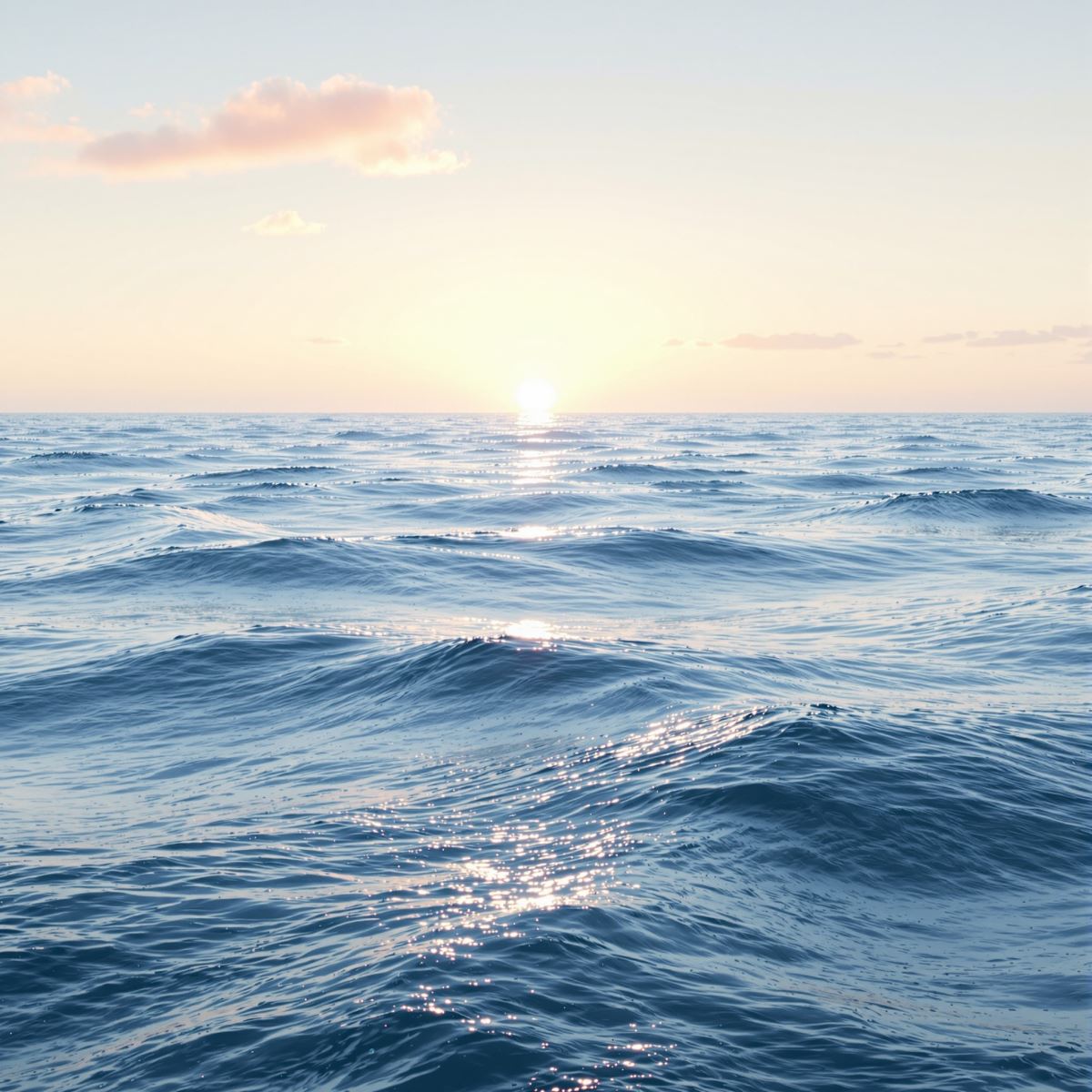
Ocean background image shaped by open water, surface variation and expansive spatial depth.
This ocean background image provides a large natural scene for website sections, presentation covers, editorial layouts and visual storytelling. Broad areas of open water can create visual breathing room while surface variation adds depth behind text, logos or other foreground elements.
What Is an Ocean Background?
An ocean background is an image in which an expansive marine water body, broad surface structure and large-scale spatial depth create the primary visual identity. Sky, color, lighting and other surrounding scene elements remain secondary to the ocean environment itself.
Ocean Background differs from Water Background. Water Background can focus on liquid appearance, surface behavior or generic water texture without representing a larger environment, while Ocean Background is defined by the scale and spatial identity of an open marine water body.
The Entity is also distinct from Sky Background. Sky Background centers on the atmospheric field and sense of open sky, while Ocean Background is defined primarily by the marine water scene and the spatial structure created across its surface.
Ocean imagery may visually overlap with Blue Background, Sunset Background or Sunrise Background, but these remain separate Entities. Blue Background is defined by hue, while Sunset and Sunrise are defined by lighting and time-related visual conditions. Ocean Background is defined by the marine environment.
A natural ocean scene can also contain smooth tonal changes similar to Gradient Background, but Gradient Background is defined by continuous color transition rather than a recognizable water-body scene.
This page belongs to the Whitescreen Background Library and the Theme Background collection.
Ocean Background HD Full Screen
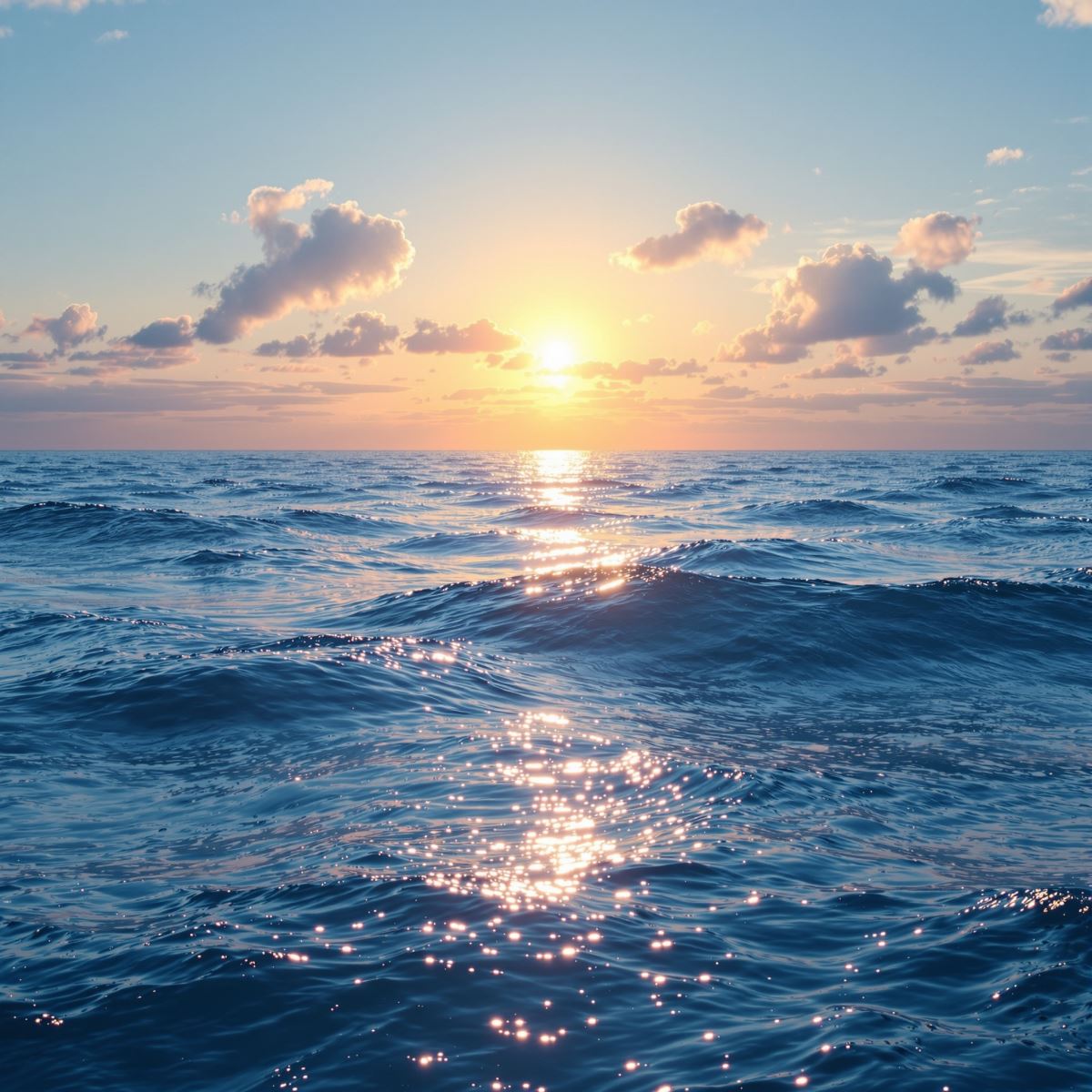
HD ocean background preserving water-surface detail, tonal variation and marine depth.
Opening the HD ocean background in full screen preserves subtle water-surface variation, tonal transitions and spatial separation across a large monitor or presentation display. These details help the marine environment retain its sense of scale and depth at larger viewing sizes.
Ways to Use an Ocean Background
- Open an ocean image in full screen to inspect its open-water distribution, surface variation and spatial depth across the display.
- Create website hero sections with a broad marine scene behind typography or interface elements.
- Prepare presentation covers with open visual space and natural water depth.
- Use ocean backgrounds in editorial, travel-oriented and visual storytelling layouts.
- Place large typography, logos or graphics over areas with suitable surface contrast.
- Create calming display backgrounds with expansive open-water imagery.
- Use ocean imagery as a desktop background across the full monitor.