

















Wood Background
Wood backgrounds use directional grain, natural fiber structure and tonal variation to create a distinctive material-focused visual field. This collection lets you open wood background images in full screen for websites, presentations, product graphics, typography and large visual displays.
Wood Background Full Screen
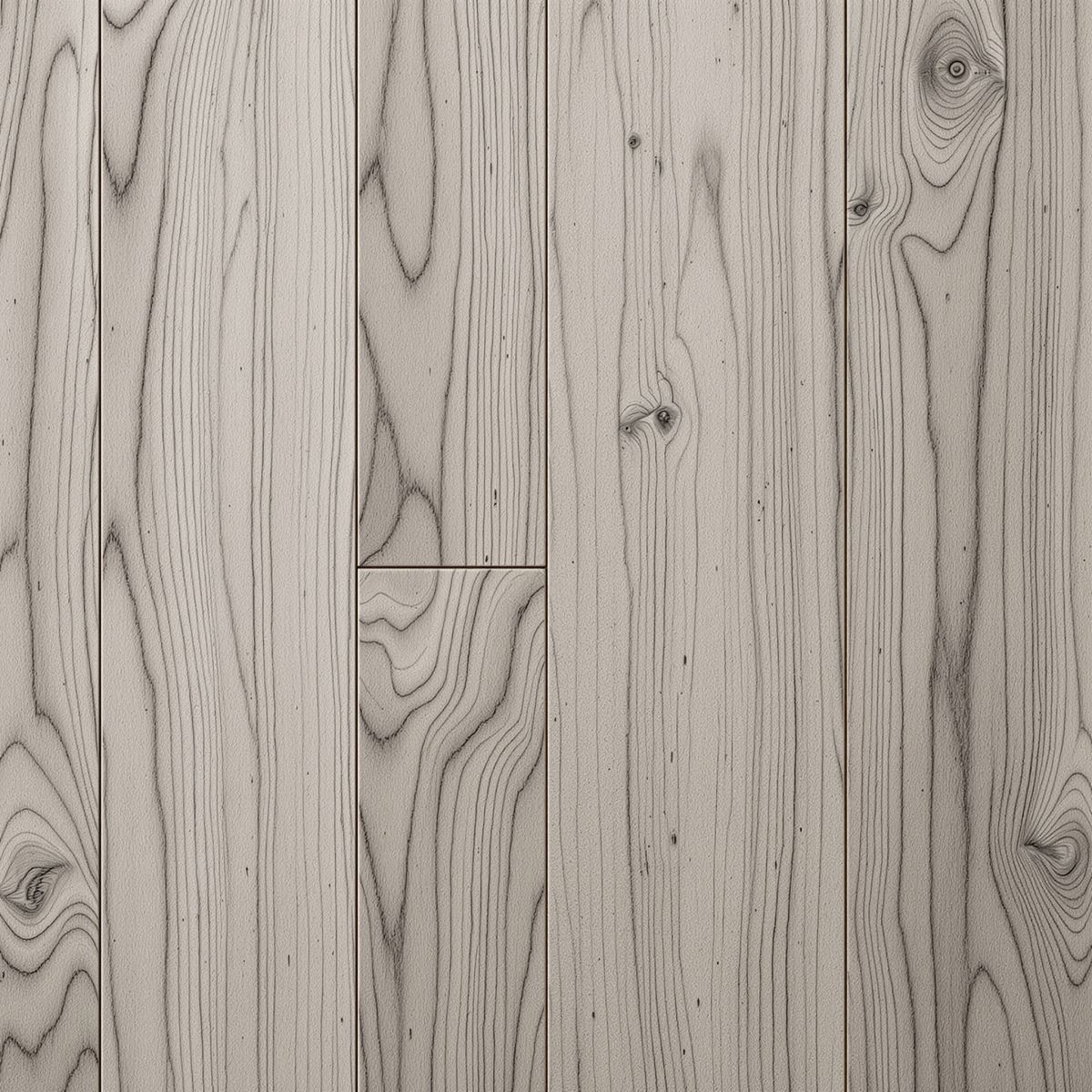
Wood background extending directional grain and natural surface variation across a full-screen display.
Open the image at full size to inspect how grain direction, fiber detail and tonal variation continue across the entire display. Full-screen viewing makes the structure of the wood surface easier to evaluate while showing how typography, products or graphic elements interact with the natural material texture.
How Grain Direction Creates Wood Texture
Wood gains much of its visual identity from grain lines and fiber structures that follow a directional path across the surface. This alignment creates a natural visual flow that differs from random micro-texture or a purely decorative repeat.
Changes in grain spacing, density and tonal contrast add variation to the material. Some regions can appear visually stronger while others become quieter, allowing the wood surface to maintain texture without losing continuity across a larger background.
Organic irregularity also helps distinguish wood from manufactured or highly structured materials. The surface can vary naturally in tone and fiber arrangement while retaining a recognizable material identity built around directional grain.
Wood Background Images
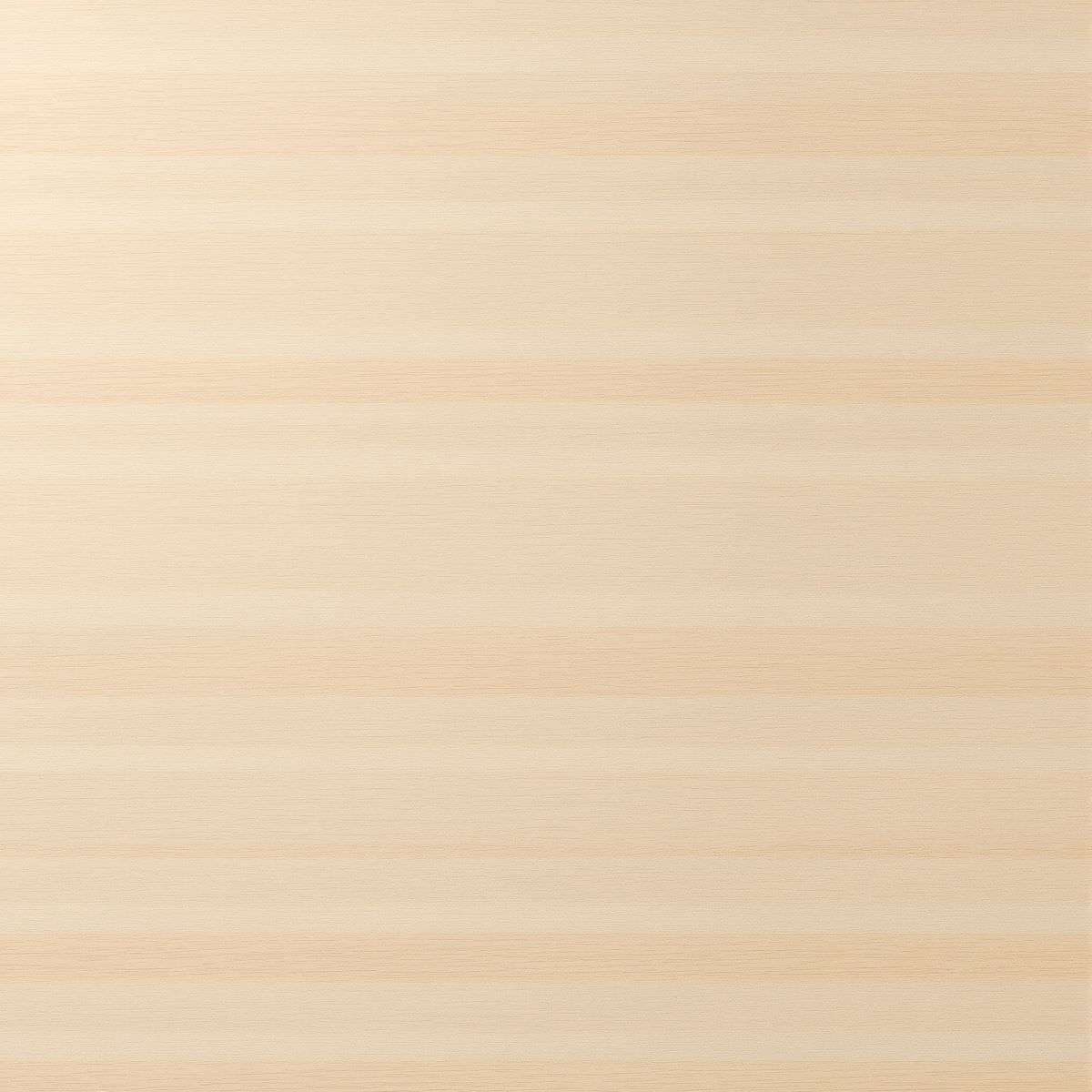
Wood background image shaped by grain direction, fiber structure and changing surface tone.
This wood background image provides a natural material surface for website sections, presentation covers, product graphics and editorial layouts. Directional grain adds visual structure, while areas with lower texture density can support headings, logos or other foreground content.
What Is a Wood Background?
A wood background is an image in which directional grain, natural fiber structure, tonal bands and organic surface variation create the primary visual identity. Color, wear and decorative treatment remain secondary to the wood material itself.
Wood Background differs from Brown Background. Brown Background is defined primarily by hue, while Wood Background is defined by recognizable material cues such as grain direction, fiber structure and natural surface variation.
The Entity is also distinct from Paper Background and Fabric Background. Paper is characterized by a flatter sheet-like surface with fine grain, while Fabric is defined by textile fibers and thread structure. Wood Background is distinguished by directional natural grain and a rigid material surface.
Wood imagery can visually overlap with Pattern Background or Grunge Background, but these remain separate Entities. Pattern Background is defined by repeated motifs, while Grunge Background is defined by wear, distress and deterioration. Wood Background remains centered on the underlying material and its grain structure.
Wood is also separate from Stone Background. Stone relies on mineral grain and naturally formed surface variation, while Wood Background is defined more strongly by fiber alignment and directional grain.
This page belongs to the Whitescreen Background Library and the Theme Background collection.
Wood Background HD Full Screen
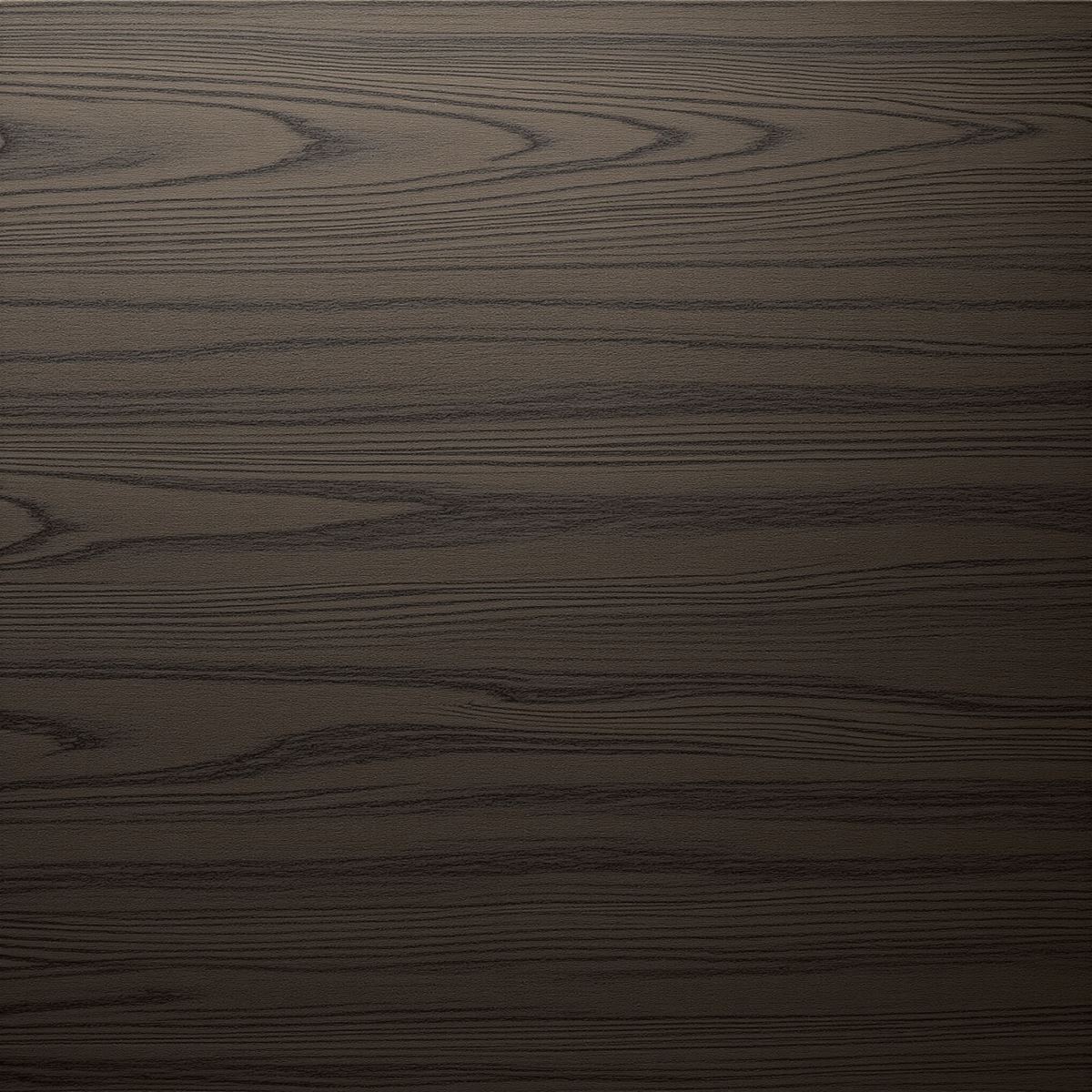
HD wood background preserving grain direction, fiber detail and subtle surface variation.
Opening the HD wood background in full screen preserves fine grain lines, directional fiber detail and subtle tonal variation across a large monitor or presentation display. These characteristics help the natural wood structure remain recognizable and continuous at larger viewing sizes.
Ways to Use a Wood Background
- Open a wood image in full screen to inspect its grain direction, fiber detail and tonal variation across the display.
- Create website sections with a natural material surface behind typography or interface elements.
- Prepare product presentations with directional grain as a structured backdrop.
- Use wood backgrounds in branding, editorial and material-focused visual layouts.
- Place headings, logos or product graphics over areas with suitable grain density and contrast.
- Create presentation covers and promotional graphics with a natural surface identity.
- Use wood imagery as a desktop background across the full monitor.