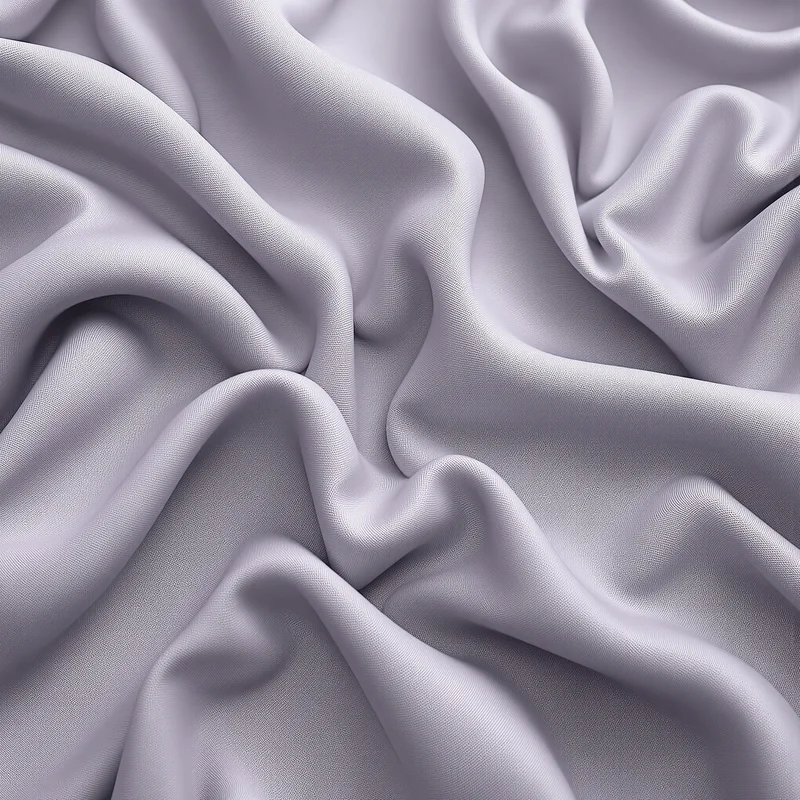


















Fabric Background
Fabric backgrounds use textile surface structure, fine fiber detail and natural material variation to create a soft, tactile visual field. This collection lets you open fabric background images in full screen for websites, presentations, product layouts, editorial graphics and large visual displays.
Fabric Background Full Screen

Fabric background extending textile surface detail and fiber variation across a full-screen display.
Open the image at full size to inspect how textile detail, material density and subtle surface variation behave across the entire display. Full-screen viewing makes fine texture easier to evaluate while showing how foreground text, products or graphics interact with the fabric surface.
How Fiber Structure Creates Fabric Texture
Fabric surfaces are recognized through textile-like structure and fine fiber detail. Small directional marks, variations in density and subtle material irregularities help distinguish a fabric background from a flat color field or a purely decorative image.
Surface density influences the visual strength of the material. Finer texture can create a quieter field for typography and interface content, while more pronounced fiber detail can give the background stronger tactile character across a larger area.
Fabric may also produce a subtle visual rhythm through its material structure, but this differs from a pattern. Pattern rhythm comes from intentionally repeated motifs, while fabric texture is created by the underlying textile surface itself.
Fabric Background Images
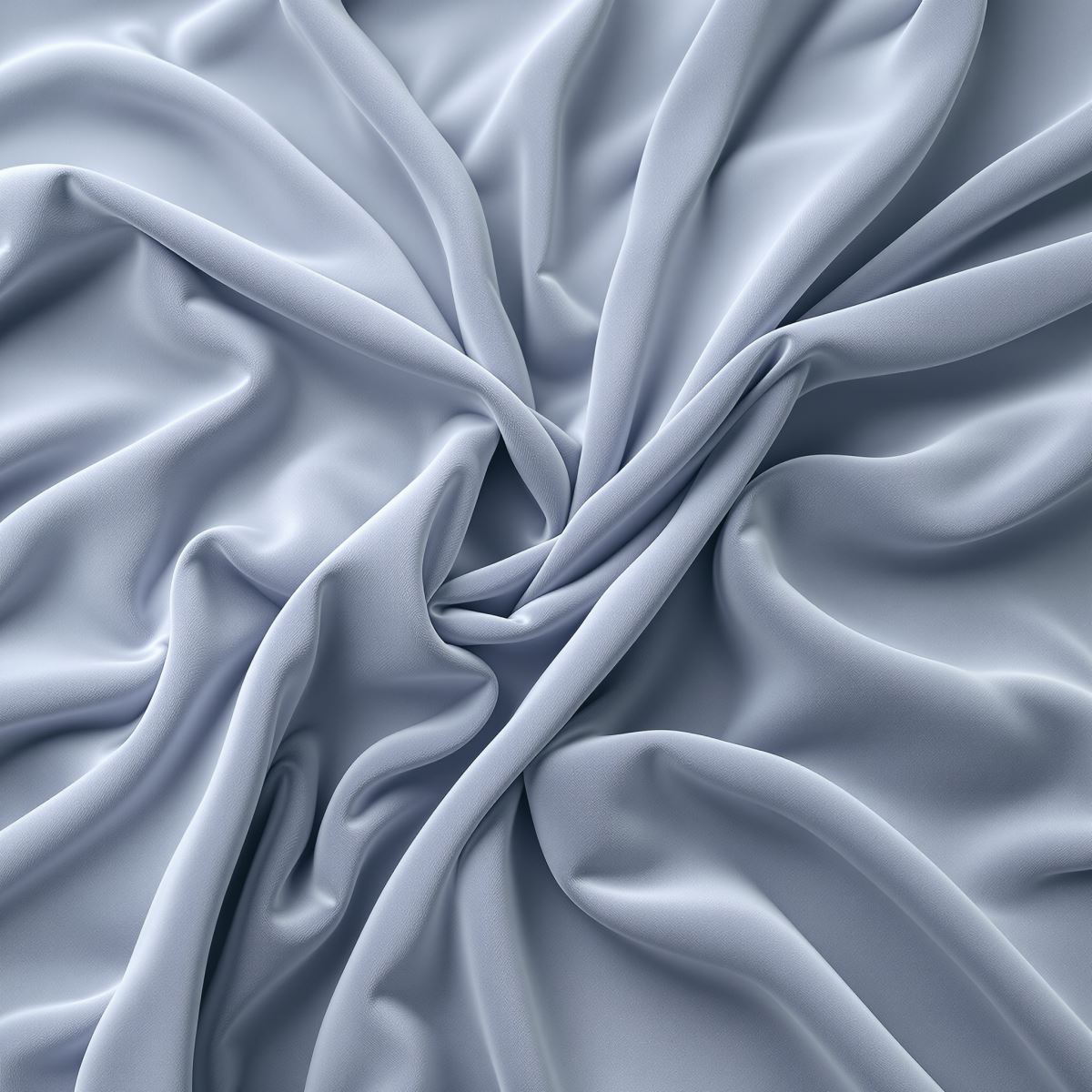
Fabric background image shaped by fiber detail, material density and subtle surface variation.
This fabric background image provides a tactile material surface for website sections, presentation covers, product graphics and editorial layouts. Textile detail adds visual depth, while less visually dense areas can support headings, logos or other foreground elements.
What Is a Fabric Background?
A fabric background is an image in which textile-like fibers, surface structure and material texture form the primary visual identity. Color, decorative motifs and other details remain secondary to the fabric character of the surface.
Fabric backgrounds differ from Pattern Backgrounds. Pattern Background is defined by repeated motifs, structured spacing and visual rhythm, while Fabric Background is defined primarily by textile material cues. A fabric surface can contain a pattern, but the dominant visual signal determines which Entity is stronger.
The Entity is also distinct from Paper Background. Both materials can show fine fiber detail, but Fabric Background is recognized through textile-like surface structure, while Paper Background is defined by the visual characteristics of a paper surface.
Fabric may visually overlap with Grunge Background, but Grunge is defined by wear, distress and surface damage. Fabric texture comes from the underlying textile material rather than from abrasion, stains or deterioration.
Fabric also remains distinct from Wood Background, Stone Background and Metal Background. These are separate material Entities with their own characteristic grain, mineral or metallic surface structures.
This page belongs to the Whitescreen Background Library and the Theme Background collection.
Fabric Background HD Full Screen
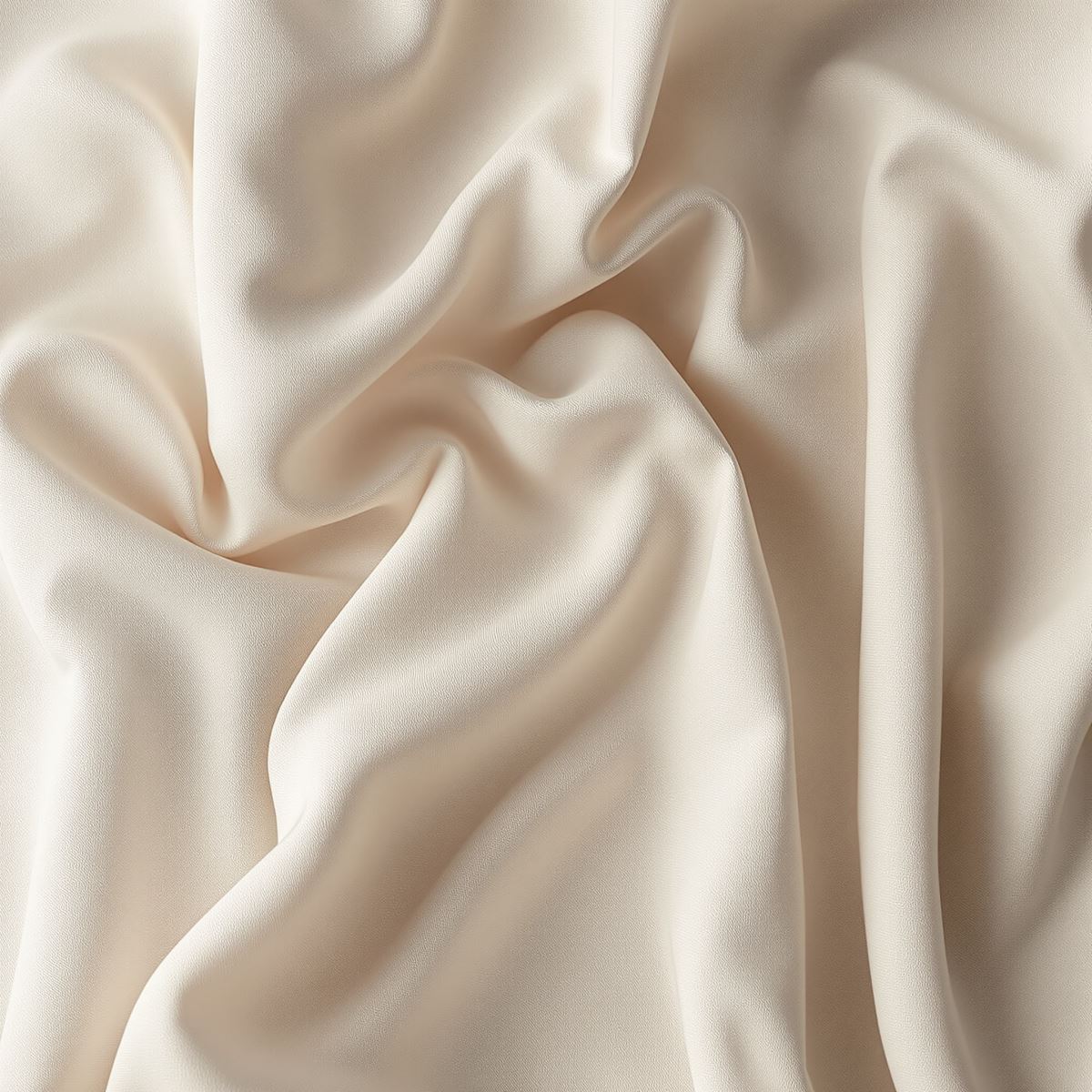
HD fabric background preserving fine fibers, textile texture and subtle material detail.
Opening the HD fabric background in full screen preserves fine textile detail, small changes in fiber density and subtle surface variation across a large monitor or presentation display. These details help the background retain its material character when viewed at a larger scale.
Ways to Use a Fabric Background
- Open a fabric image in full screen to inspect its fiber structure, textile texture and surface variation across the display.
- Create product presentation layouts with a soft material backdrop.
- Build website sections that use textile texture behind typography or graphics.
- Prepare fashion-related, editorial and presentation layouts with tactile visual depth.
- Use fabric surfaces behind logos, branding elements or promotional graphics.
- Place foreground content over areas with lower texture density and sufficient contrast.
- Use fabric imagery as a desktop background across the full monitor.