

















Gradient Background
Gradient backgrounds use continuous shifts in hue, brightness or saturation to create a smooth color field with visual flow. This collection lets you open gradient background images in full screen for websites, presentations, interface layouts, typography and large visual displays.
Gradient Background Full Screen

Gradient background extending a continuous color and tonal transition across a full-screen display.
Open the image at full size to inspect how color, brightness and saturation change across the entire display. Full-screen viewing makes transition continuity and tonal balance easier to evaluate while also showing which areas provide suitable contrast for typography, graphics or interface elements.
How Color Transitions Create Gradient Flow
A gradient gains its identity from continuous change across the visual field. One color or tonal state progresses into another through a transition region rather than appearing as a set of clearly separated blocks or decorative shapes.
The transition can involve hue, brightness, saturation or a combination of these properties. Gradual blending creates smoother visual continuity, while stronger tonal differences can produce a more noticeable sense of movement across the background.
Direction also contributes to gradient flow. A transition can move through the image in different ways, but its defining characteristic remains the continuous progression between color or tonal states rather than any specific orientation.
Gradient Background Images
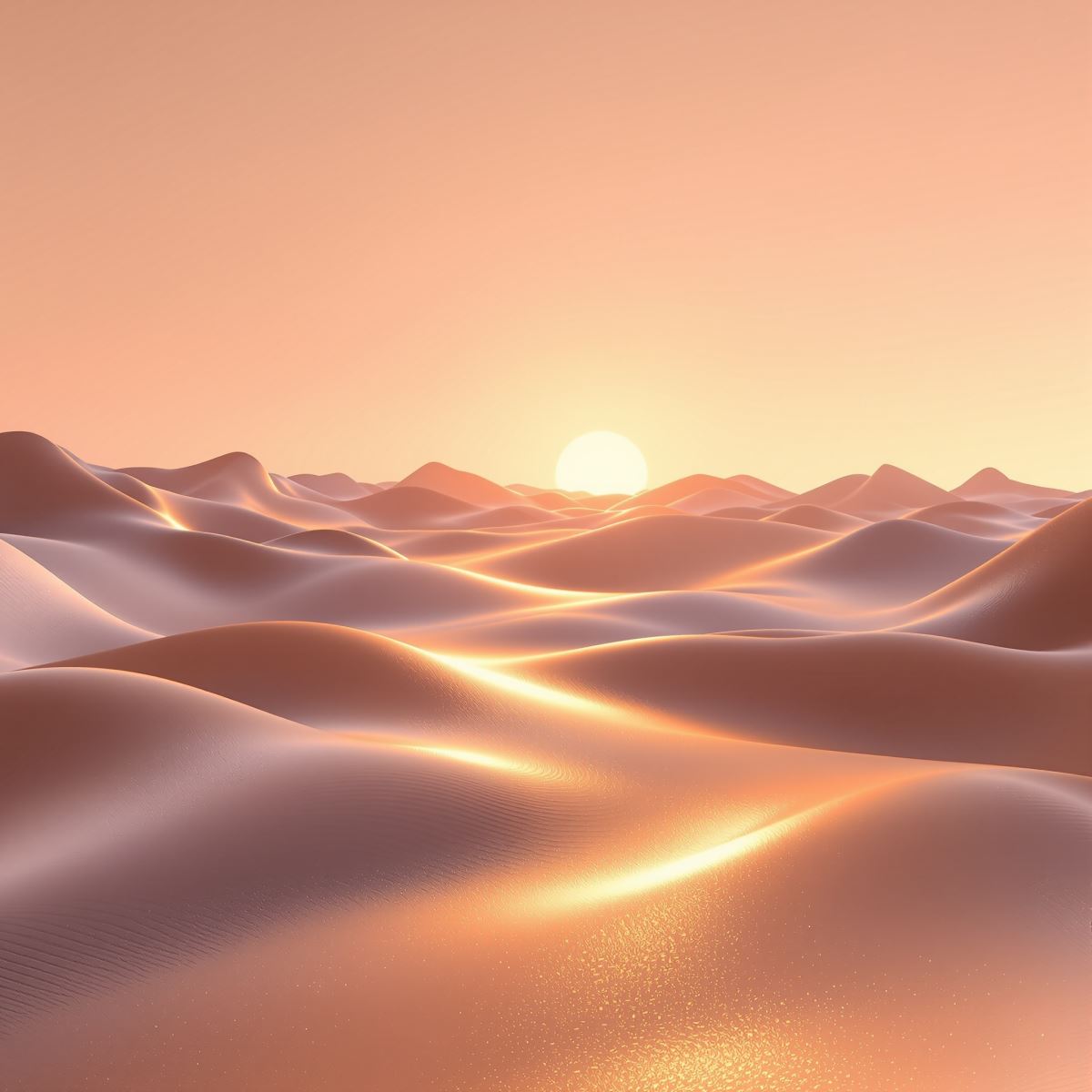
Gradient background image shaped by continuous color blending, tonal progression and visual flow.
This gradient background image provides a continuous color field for website sections, presentation covers, interface layouts and graphic designs. Different areas of the transition can create varying levels of contrast, allowing foreground text, logos or other visual elements to be positioned where they remain clear.
What Is a Gradient Background?
A gradient background is an image in which color, brightness or saturation changes continuously across the visual field, creating a smooth transition between two or more tonal states. The transition structure remains more important than any individual hue or decorative detail.
Gradient backgrounds differ from Multicolour Backgrounds. Multicolour Background can contain several colors without requiring them to blend continuously, while Gradient Background depends on a connected progression between neighboring colors or tonal values.
The Entity is also distinct from Abstract Background. Abstract Background is defined by composition, forms or non-representational visual structure, while Gradient Background is defined specifically by continuous color or tonal transition.
Gradient Background is broader than Blue Gradient Background. Blue Gradient is a more specific collection in which blue remains the dominant color family, while the general Gradient Background collection can represent transitions without depending on one particular hue.
Gradient imagery can also overlap with Light Background, Dark Background or Glass Background, but these remain separate Entities. Light and Dark are defined primarily by brightness, while Glass is defined by material and optical cues. Gradient Background is defined by transition structure.
This page belongs to the Whitescreen Background Library and the Theme Background collection.
Gradient Background HD Full Screen
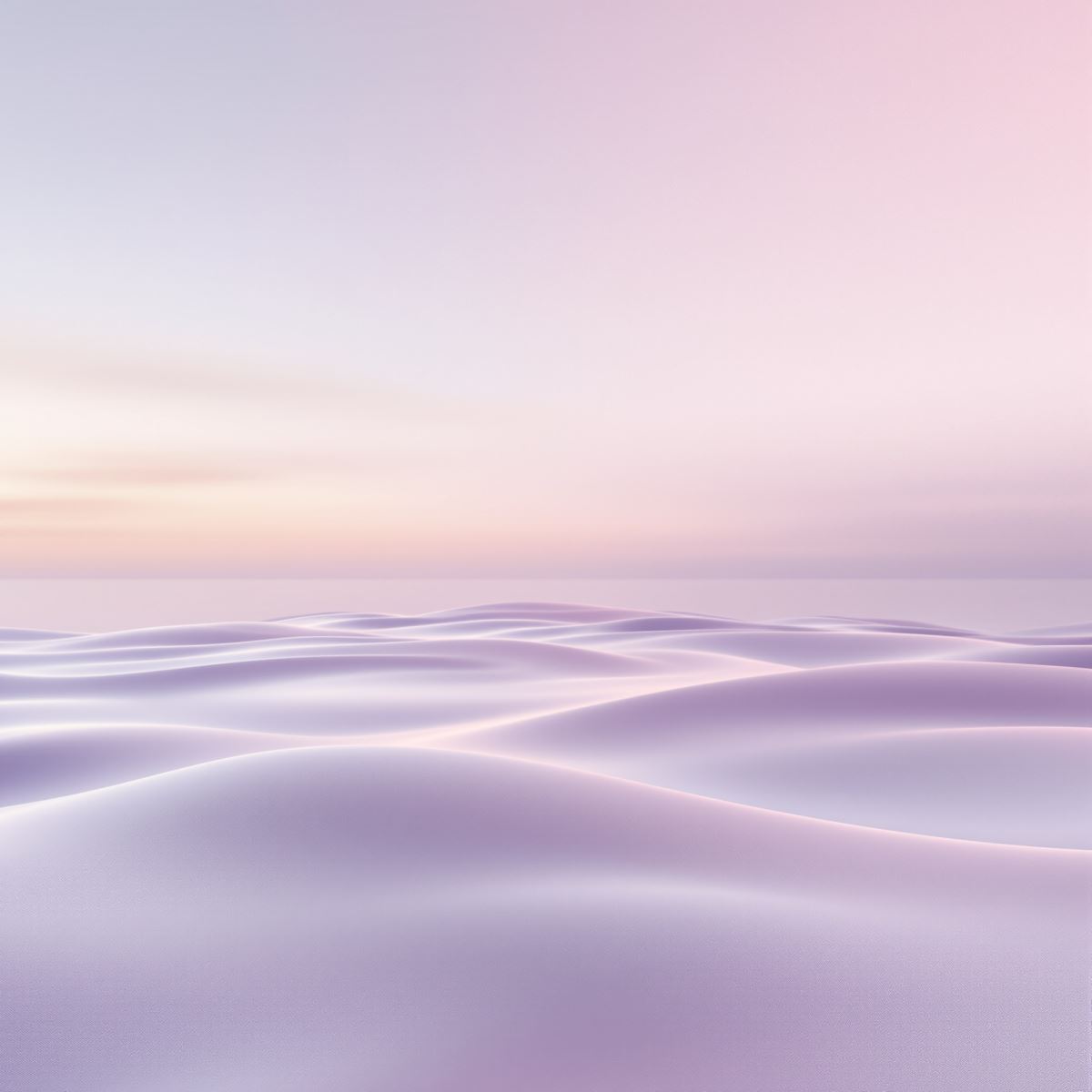
HD gradient background preserving smooth color transitions and subtle tonal progression.
Opening the HD gradient background in full screen preserves subtle shifts in hue, brightness and saturation across a large monitor or presentation display. These gradual changes help the transition retain its continuity and visual flow at larger viewing sizes.
Ways to Use a Gradient Background
- Open a gradient image in full screen to inspect its color transition, tonal balance and visual flow across the display.
- Create website hero sections with a continuous color field behind typography or interface content.
- Prepare presentation covers with smooth tonal progression across the layout.
- Use gradient backgrounds in application interfaces, digital products and technology-focused visuals.
- Place headings, logos or graphics over areas of the transition with suitable foreground contrast.
- Create branding, social and promotional graphics with controlled color movement.
- Use gradient imagery as a desktop background across the full monitor.