

















Glass Background
Glass backgrounds use transparency, layered light and smooth reflective surface cues to create a material-focused visual field. This collection lets you open glass background images in full screen for websites, presentations, interface layouts, product graphics and large visual displays.
Glass Background Full Screen
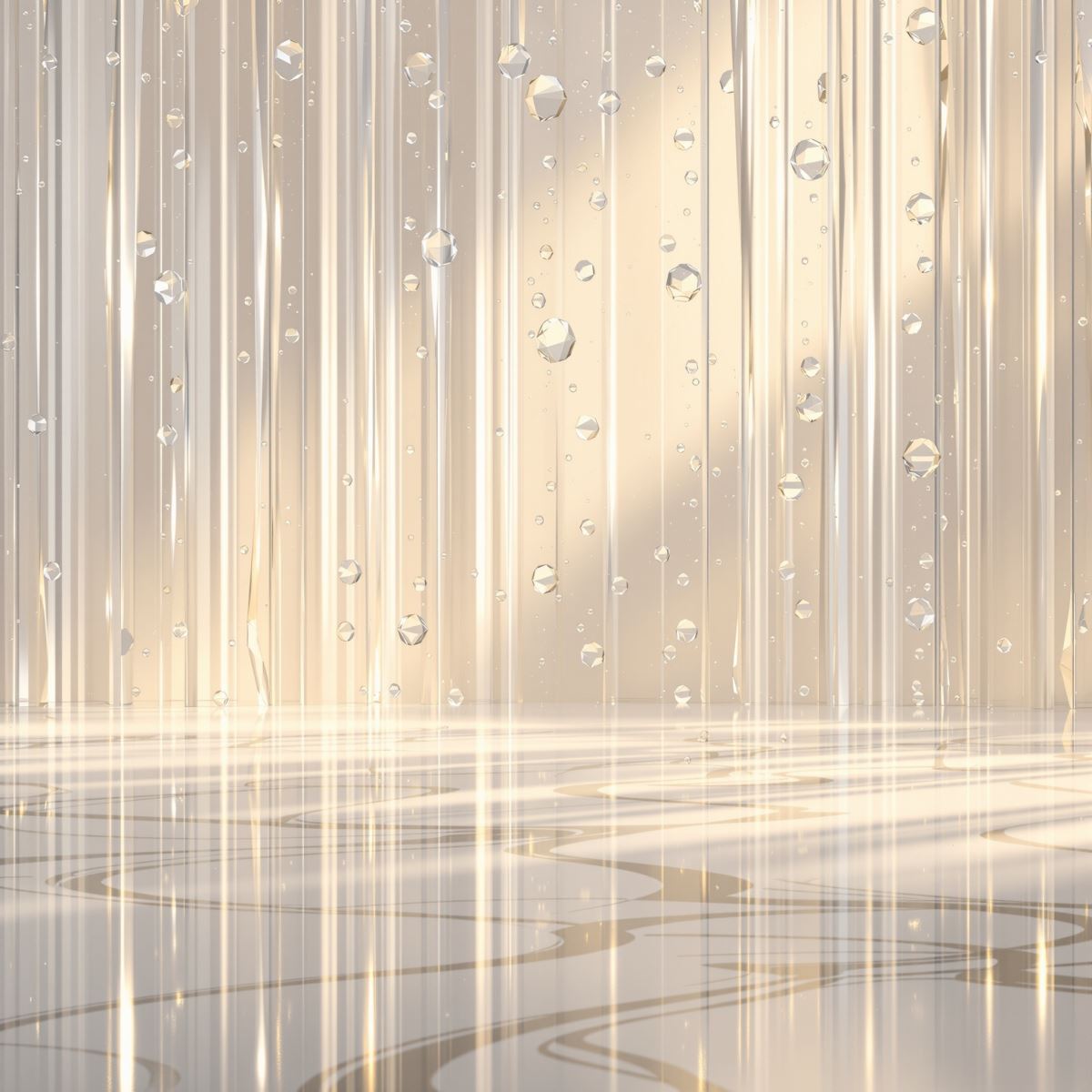
Glass background extending layered transparency and smooth surface detail across a full-screen display.
Open the image at full size to inspect how transparency, brightness and surface highlights behave across the entire display. Full-screen viewing makes layered depth and foreground contrast easier to evaluate when the image is used behind typography, interface elements, products or presentation content.
How Transparency and Reflection Create Glass Depth
Glass-like surfaces gain depth when foreground material remains visually distinct while light or underlying visual information can still appear through or around it. Variations in transparency and translucency create separation between the visible surface and the layers behind it.
Reflective highlights strengthen the hard-surface character of glass. Brighter edges, smooth tonal changes and localized light response can make the material feel more dimensional without requiring the surface to become mirror-like.
Smooth optical variation also separates glass from textured materials. Stone relies on mineral grain, fabric on fibers and concrete on porous surface structure, while Glass Background is defined more strongly by transparency, smoothness and light behavior.
Glass Background Images
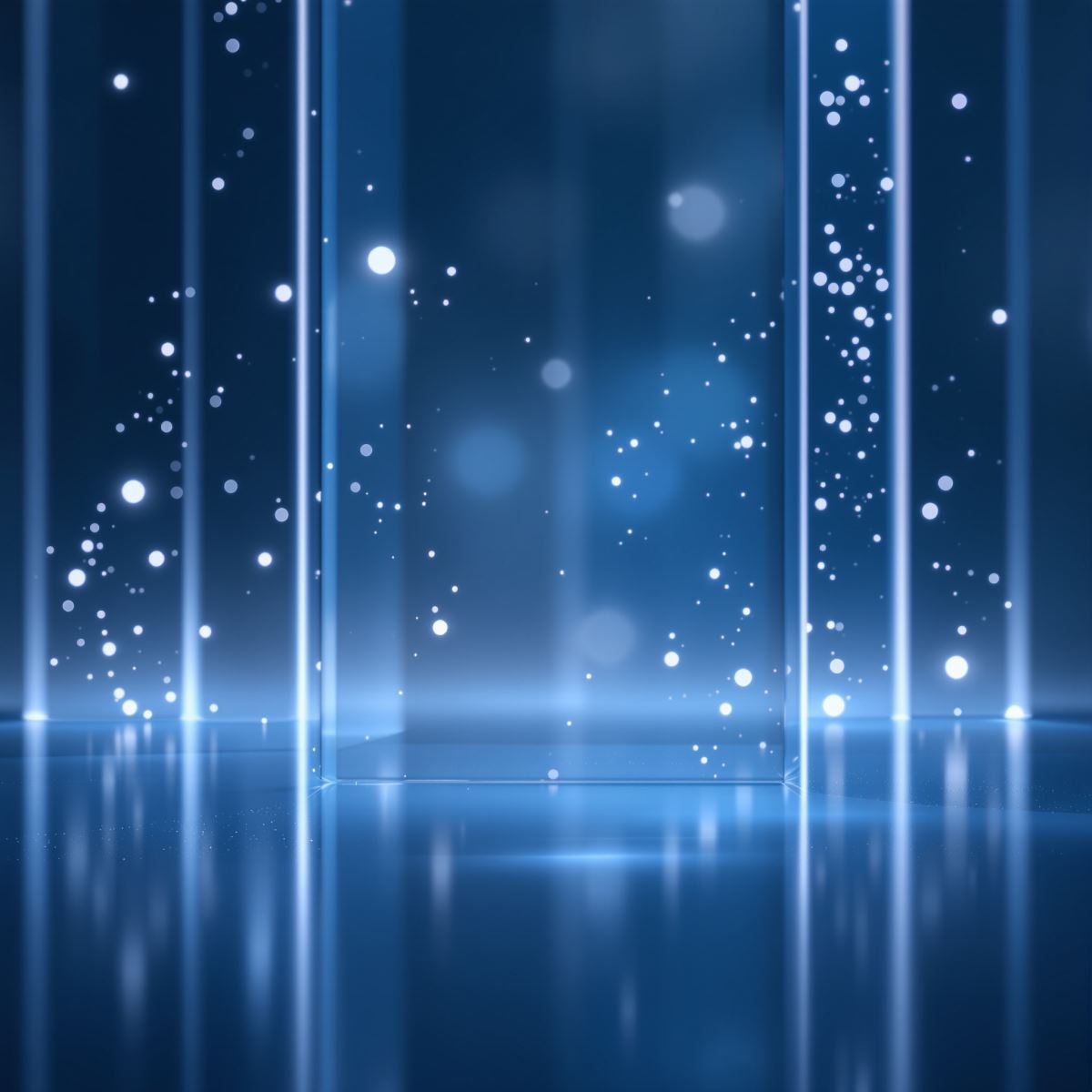
Glass background image shaped by transparent depth, subtle reflection and smooth surface behavior.
This glass background image provides a layered material surface for website sections, interface graphics, presentation covers and product layouts. Transparent or quieter regions can support foreground content, while changes in light and surface tone add visual depth.
What Is a Glass Background?
A glass background is an image in which transparency, translucency, reflective highlights and smooth hard-surface behavior form the primary visual identity. Color, blur or decorative detail remain secondary to the material and optical characteristics of the glass-like surface.
Glass backgrounds differ from Metal Backgrounds. Both can show reflective light behavior, but Metal Background is defined by an opaque metallic material, while Glass Background can use transparency or translucency to create visible layered depth.
The Entity is also distinct from Gradient Background. Gradient Background is defined by continuous color transition, while Glass Background is defined by material cues such as transparency, reflective highlights and smooth optical surface behavior.
Glass may visually overlap with Silver Background, Light Background or Abstract Background, but these remain separate Entities. Silver is color-focused, Light Background is brightness-focused, and Abstract Background is defined by composition rather than glass material identity.
This page belongs to the Whitescreen Background Library and the Theme Background collection.
Glass Background HD Full Screen
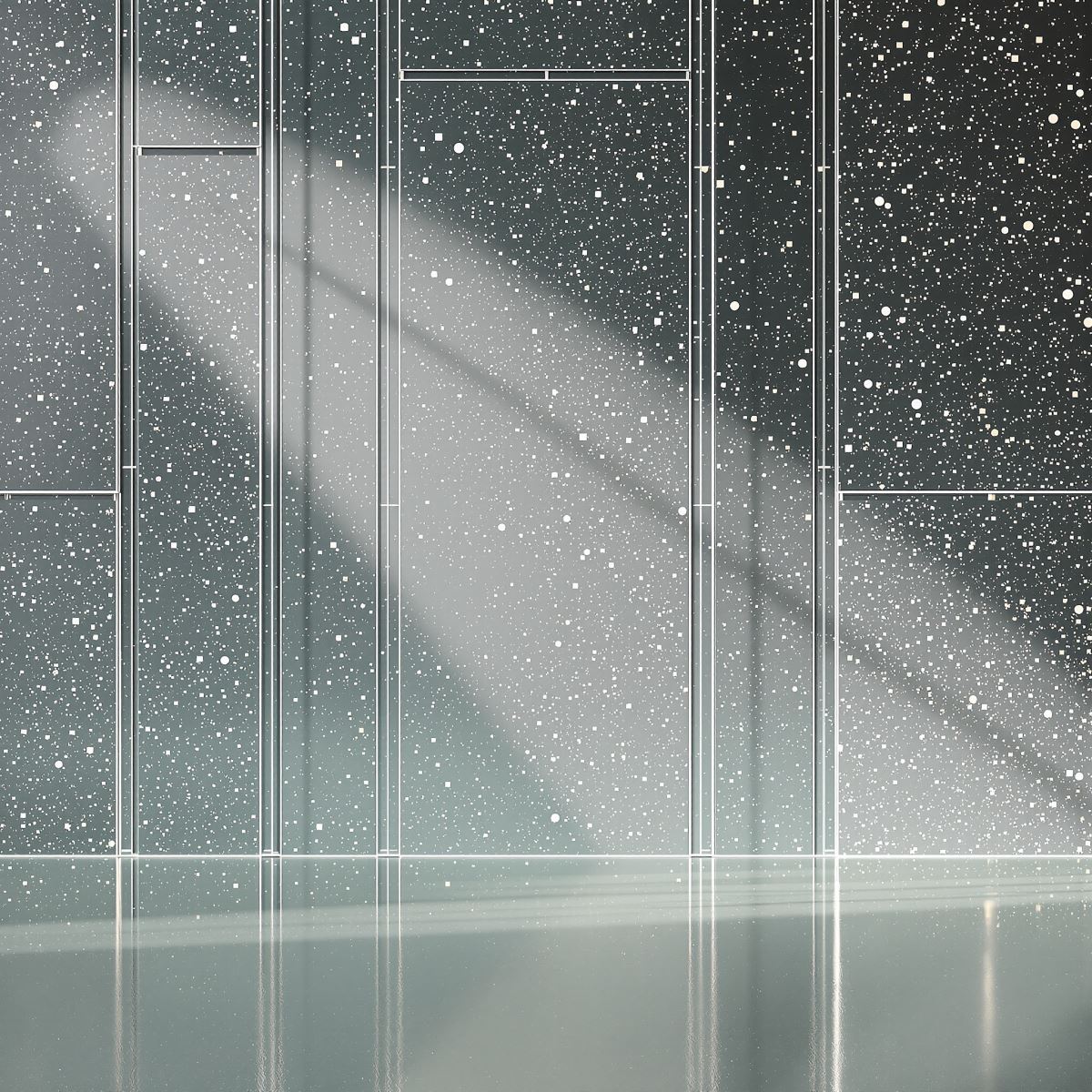
HD glass background preserving layered transparency, smooth tonal transitions and reflective surface detail.
Opening the HD glass background in full screen preserves transparent boundaries, smooth light transitions and subtle reflective detail across a large monitor or presentation display. These characteristics help the image retain its layered glass-like depth at larger viewing sizes.
Ways to Use a Glass Background
- Open a glass image in full screen to inspect its transparency, reflections and layered light behavior across the display.
- Create website and interface sections with smooth material depth behind foreground content.
- Prepare product presentations with a clean hard-surface visual field.
- Use glass backgrounds in technology-focused and digital interface layouts.
- Place typography, icons or logos over areas with suitable transparency and tonal contrast.
- Create presentation covers, branding visuals and editorial graphics with layered optical depth.
- Use glass imagery as a desktop background across the full monitor.