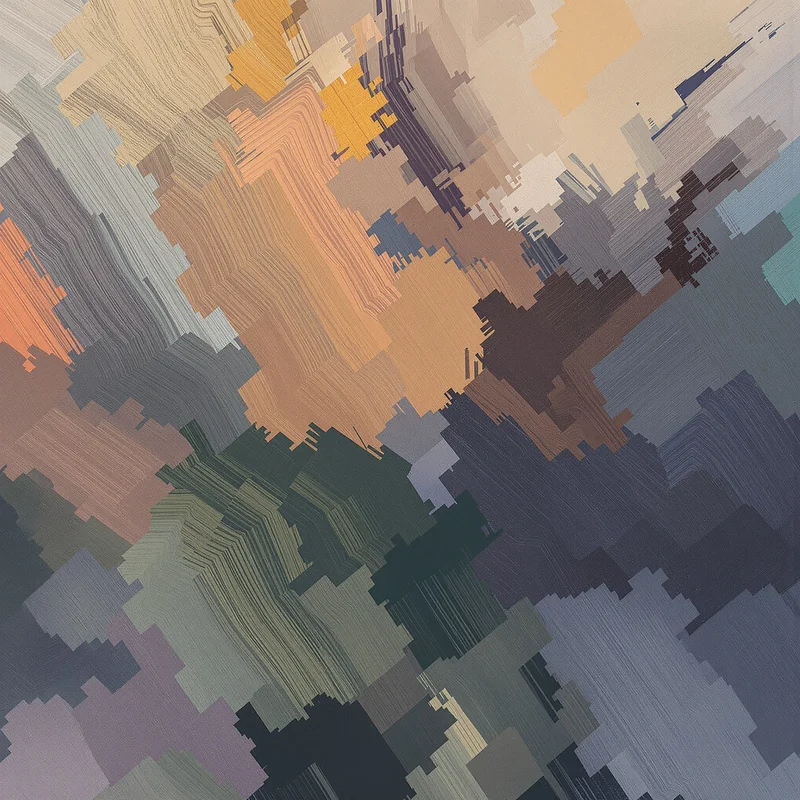


















Digital Painting Background
Digital painting backgrounds use painterly brushwork, layered color and digitally controlled light to create the visual character of a painted surface. This collection lets you open digital painting background images in full screen for websites, presentations, creative layouts, visual storytelling and immersive desktop displays.
Digital Painting Background Full Screen
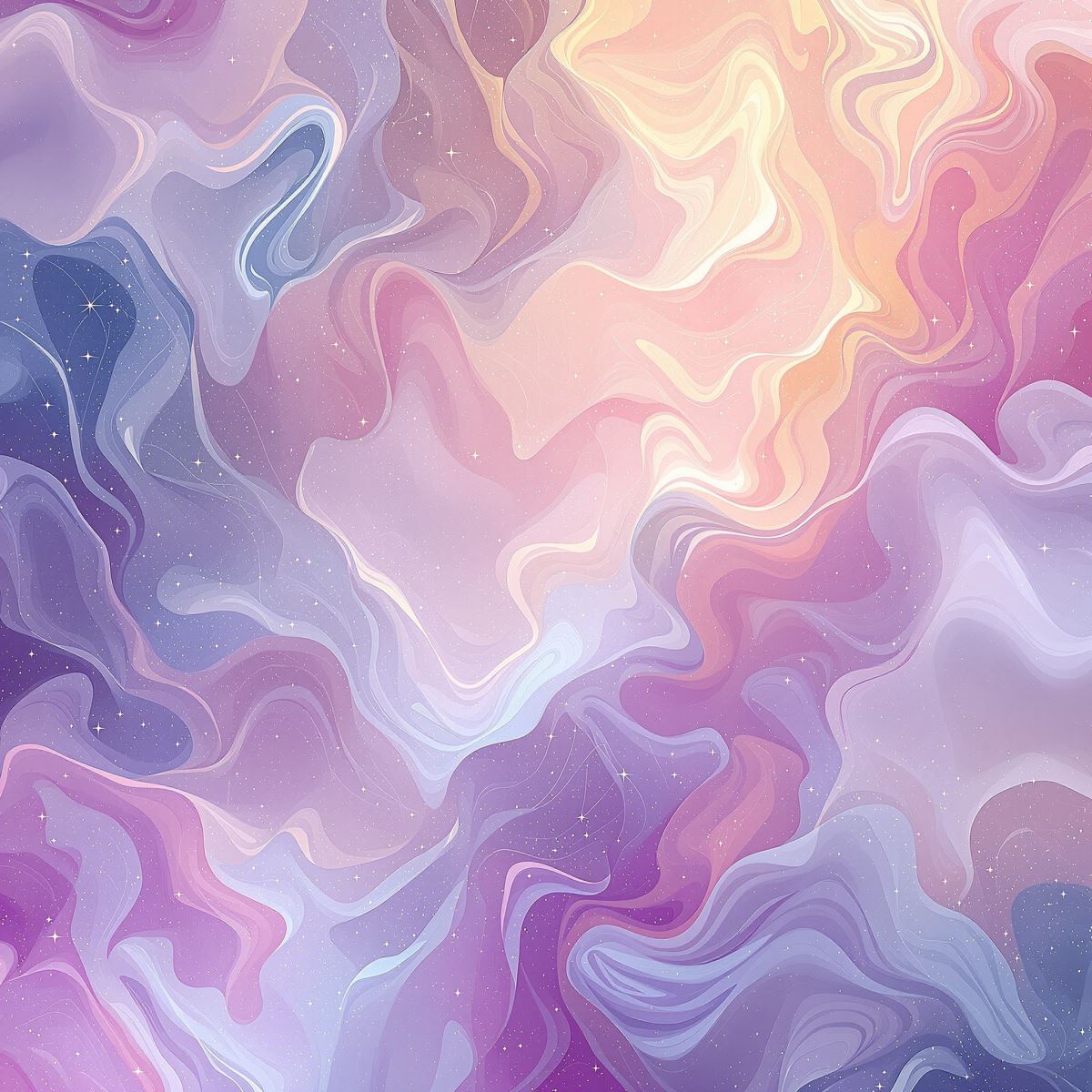
Digital painting background extending layered color and painted visual detail across a full-screen display.
Open the image at full size to inspect how painted color, softened edges and brush-shaped detail extend across the display. Full-screen viewing makes it easier to see the relationship between more active painted regions and quieter areas that can support typography or foreground graphics.
How Digital Brushwork Builds Painterly Depth
Digital painting uses brush-shaped marks, blending and layered color to build a surface that feels painted rather than mechanically uniform. Different brush treatments can create softer transitions, textured regions or more defined visual accents within the same composition.
Layered color helps separate visual depth. Foreground areas may carry stronger contrast or more visible detail, while distant or supporting regions can use softer transitions and reduced definition to create a broader sense of space.
Edge control is another important part of the painterly effect. Hard, soft and blended edges can direct attention through the image, while painted highlights and shadow transitions help establish atmosphere without requiring photorealistic rendering.
Digital Painting Background Images
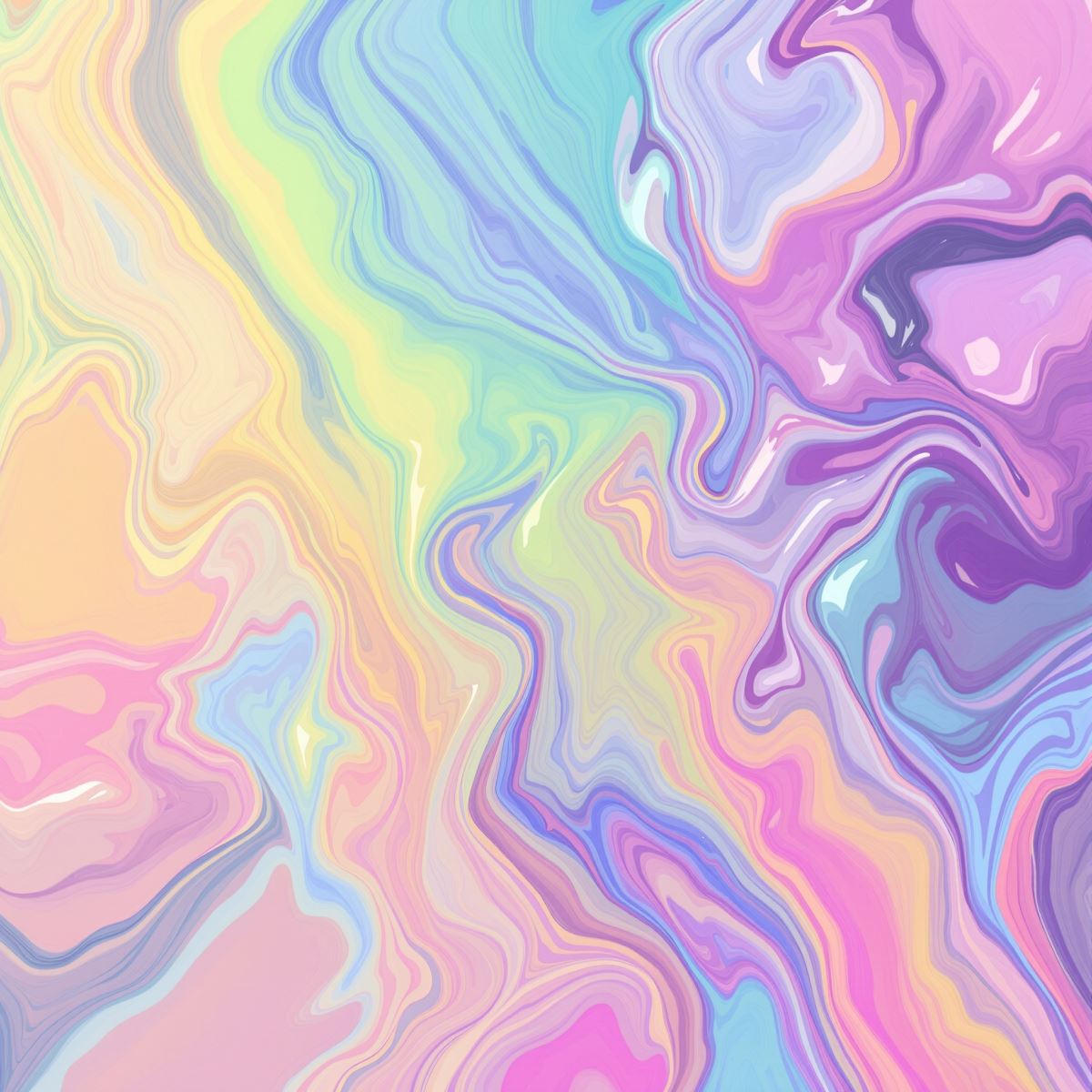
Digital painting background image shaped by brushwork, blended edges and layered color.
This digital painting background image provides an artistic visual field for website hero sections, presentation covers, posters and creative layouts. Painterly variation gives the image character, while less detailed regions can remain usable for headings, logos or other foreground elements.
What Is a Digital Painting Background?
A digital painting background is an image created or rendered with painterly digital techniques in which brushwork, layered color, blended edges or painted light form the primary visual character. The subject can vary, but the painted treatment remains more important than any single object or scene.
Digital painting backgrounds differ from Oil Painting Backgrounds, which are centered on the visual language of traditional oil paint. Digital Painting Background is broader and can use many different brush behaviors, blending methods and surface treatments without depending on an oil-paint appearance.
The Entity is also distinct from Watercolor Background. Watercolor imagery is identified by transparent washes, pigment-like diffusion and soft bleeding edges, while digital painting can combine opaque, textured, blended or highly controlled painted regions.
Digital painting may overlap visually with Abstract Background, Gradient Background or Grunge Background, but those remain separate Entities. Digital Painting Background is defined by painterly execution rather than abstract subject matter, smooth color transition or distressed surface wear.
This page belongs to the Whitescreen Background Library and the Theme Background collection.
Digital Painting Background HD Full Screen
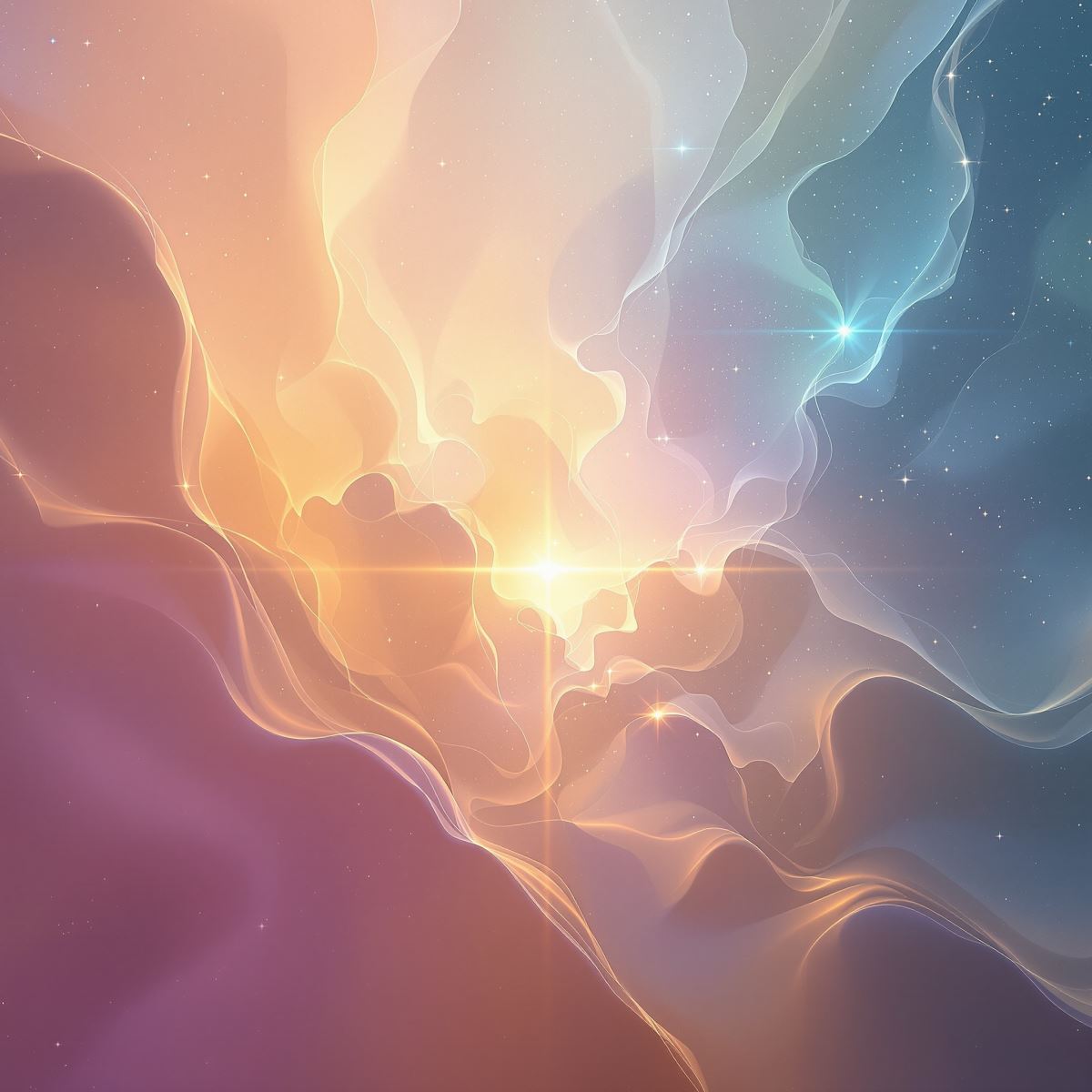
HD digital painting background preserving brush detail, painted light and layered color transitions.
Opening the HD digital painting background in full screen preserves subtle brush edges, layered tonal changes, painted highlights and the transitions between softer and more detailed regions. These qualities help the image retain its painterly depth across a large monitor or presentation display.
Ways to Use a Digital Painting Background
- Open a digital painting image in full screen to inspect its brushwork, layered color and painted visual depth.
- Create artistic website hero sections with painterly visual character.
- Prepare presentation covers, posters and editorial layouts.
- Use painted environments in visual storytelling and concept-driven compositions.
- Place headings or logos over quieter painted areas with lower visual density.
- Create desktop displays that preserve an artistic surface across the full monitor.
- Use painterly imagery in creative branding, video titles and promotional graphics.