


















Watercolor Background
Watercolor backgrounds use transparent washes, diffused pigment and soft color transitions to create a fluid painted surface. This collection lets you open watercolor background images in full screen for websites, invitations, presentations, decorative layouts and immersive displays.
Watercolor Background Full Screen
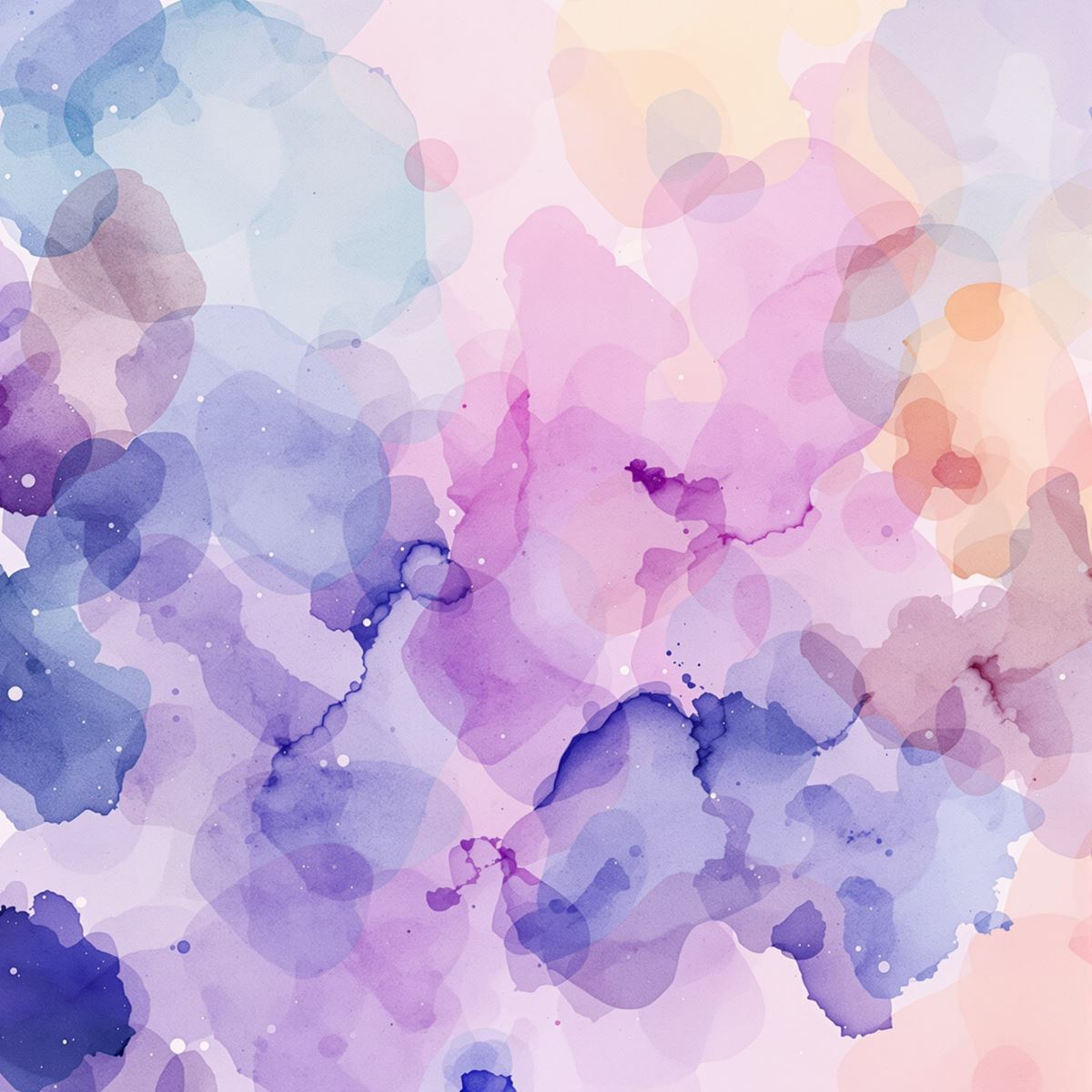
Watercolor background extending diffused pigment and fluid color washes across a full-screen display.
Open the image at full size to inspect how translucent color, softer painted edges and overlapping washes move across the entire display. Full-screen viewing makes subtle changes in saturation and pigment density easier to see while preserving lighter areas for text or foreground graphics.
How Transparent Washes Create Watercolor Depth
Watercolor surfaces gain depth through layers of translucent color. Overlapping washes can create darker regions and richer color variation while still allowing lighter areas to remain visible beneath the painted surface.
Diffused pigment creates softer and less mechanical boundaries than a uniform gradient. Some areas may transition gradually, while others can show more concentrated color or subtle variation along the edge of a painted wash.
Uneven saturation is part of the watercolor character. Changes between lighter, more transparent regions and denser pigment help the background feel organic, while open areas can provide useful negative space for typography, logos or invitation content.
Watercolor Background Images
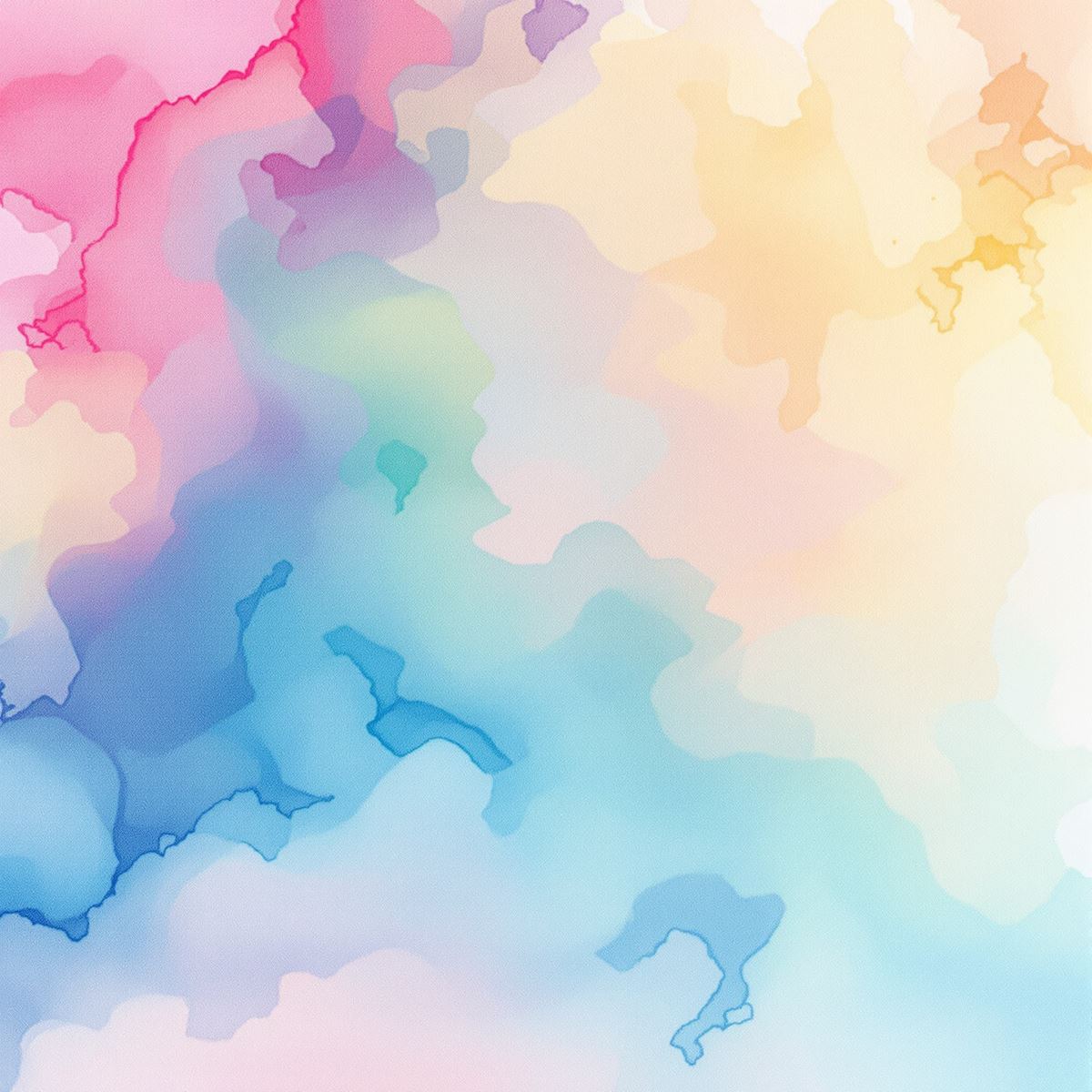
Watercolor background image shaped by transparent color, diffused edges and layered wash variation.
This watercolor background image provides a soft painted setting for invitations, presentation covers, website sections and decorative layouts. Transparent color layers add visual interest, while less saturated areas can support headings, names, logos or other foreground elements.
What Is a Watercolor Background?
A watercolor background is an image in which transparent color washes, diffused pigment, soft painted edges and layered transparency form the primary visual character. The subject may vary, but watercolor behavior remains more important than any individual object or motif.
Watercolor backgrounds differ from Oil Painting Backgrounds, which emphasize denser color, visible brush handling and richer painted surface variation. Watercolor Background instead focuses on translucent washes, softer pigment transitions and lighter layered color.
The Entity is also more specific than Digital Painting Background. Digital painting can reproduce many artistic treatments, while Watercolor Background is defined by the visual behavior of watercolor washes and diffused pigment.
Watercolor imagery may overlap with Abstract Background, Floral Background or Gradient Background, but these remain separate Entities. Watercolor is identified by its painted wash behavior rather than abstract subject matter, floral motifs or mechanically smooth color transitions.
This page belongs to the Whitescreen Background Library and the Theme Background collection.
Watercolor Background HD Full Screen
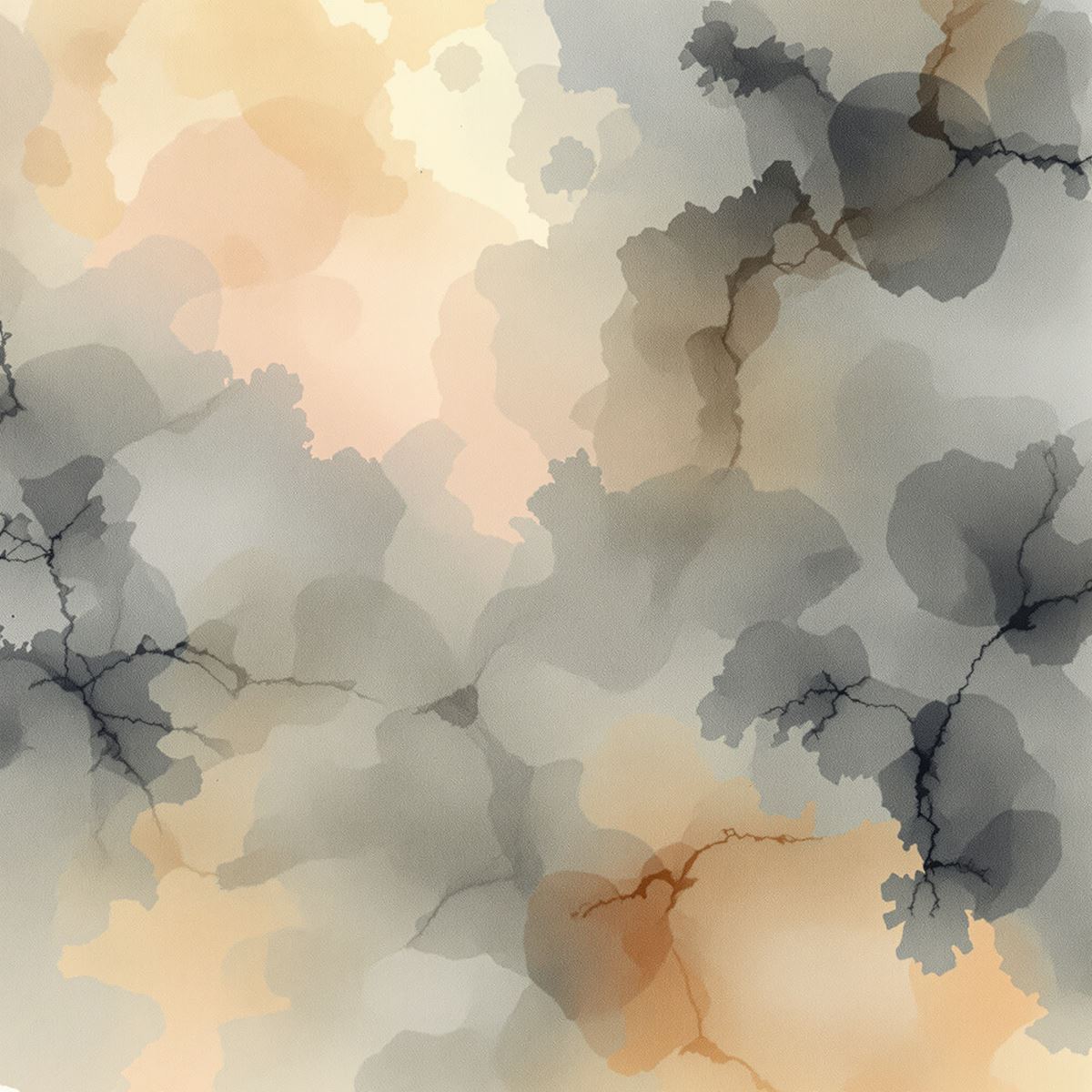
HD watercolor background preserving soft pigment edges, layered transparency and painted color variation.
Opening the HD watercolor background in full screen preserves subtle wash transitions, soft pigment boundaries, overlapping transparency and changes in color density. These details help the painted surface retain its fluid watercolor character across a large monitor or presentation display.
Ways to Use a Watercolor Background
- Open a watercolor image in full screen to inspect its transparent washes, pigment blending and soft painted transitions.
- Create invitation and announcement layouts with lighter areas for text.
- Prepare wedding card designs with soft painted color around ceremony information.
- Build website hero sections with fluid color and painterly visual character.
- Create presentation covers, posters and editorial layouts.
- Place typography or logos over less saturated regions of the painted surface.
- Use watercolor imagery for decorative desktop displays and social graphics.