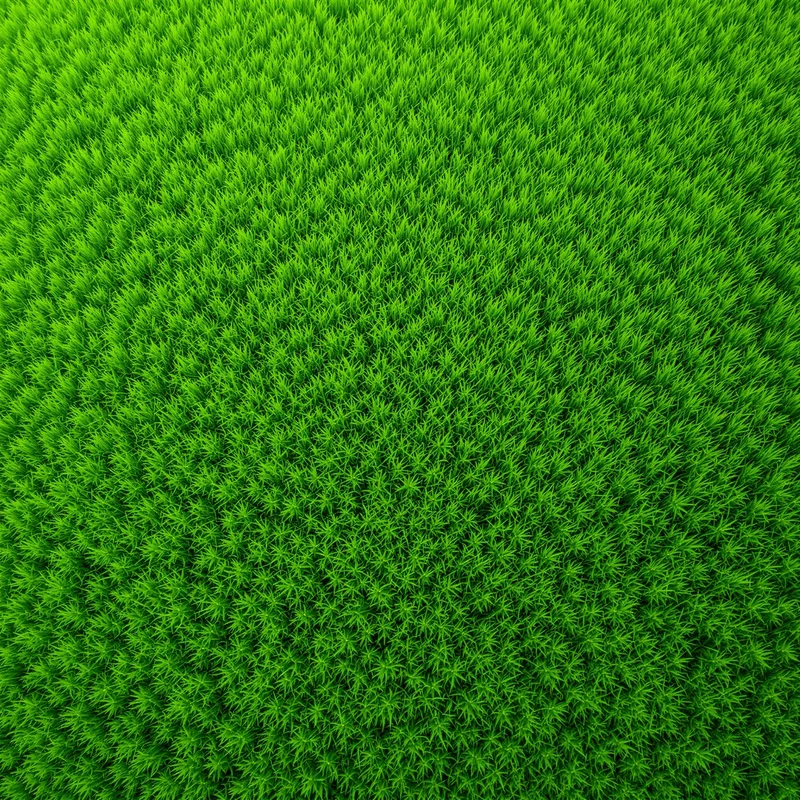


















Grass Background
Grass backgrounds use individual blades, dense ground cover and open grassy surfaces to create a continuous natural setting. This collection lets you open grass background images in full screen for environmental presentations, outdoor websites, landscape designs and fresh desktop displays.
Grass Background Full Screen
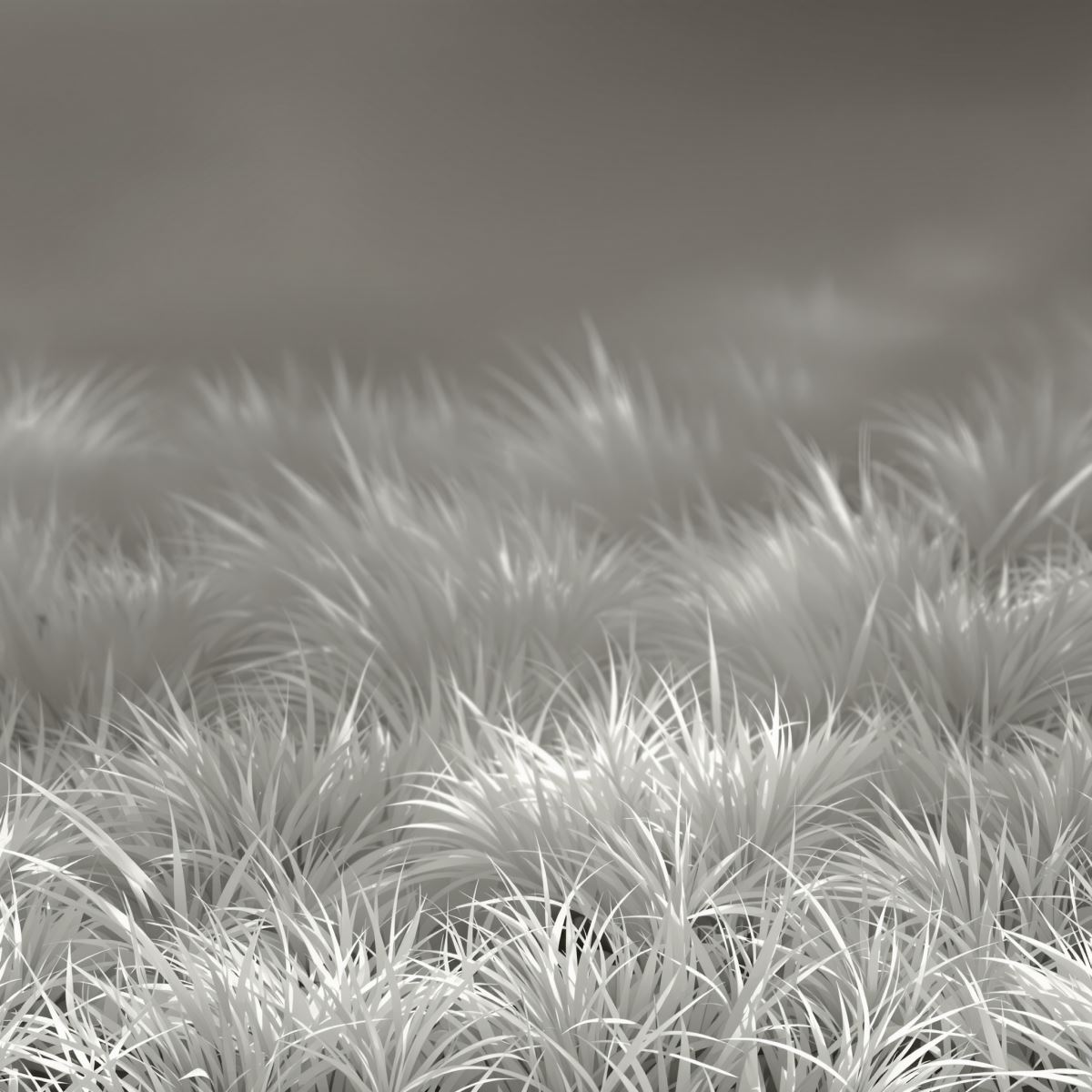
Grass background extending natural blades and ground cover across a full-screen display.
Open the image at full size to spread the grassy surface across the entire display. Individual blades create fine foreground detail, while denser areas merge into a broader natural field that can support text, products or outdoor visual elements.
How Grass Density Shapes a Natural Surface
A grass background gains texture from the direction, height and curvature of individual blades. Because the blades do not repeat with perfect regularity, the surface maintains an organic appearance instead of resembling a manufactured pattern.
Dense grass creates an almost continuous layer of ground cover, while thinner areas may reveal soil, shadows or differences in growth. These variations help separate the nearest blades from the broader grassy surface behind them.
Light striking the edges and tips of the grass creates small highlights, while shaded spaces between the blades form darker layers. Moisture, dew or uneven growth can add further surface variation without changing the primary grass identity.
Grass Background Images
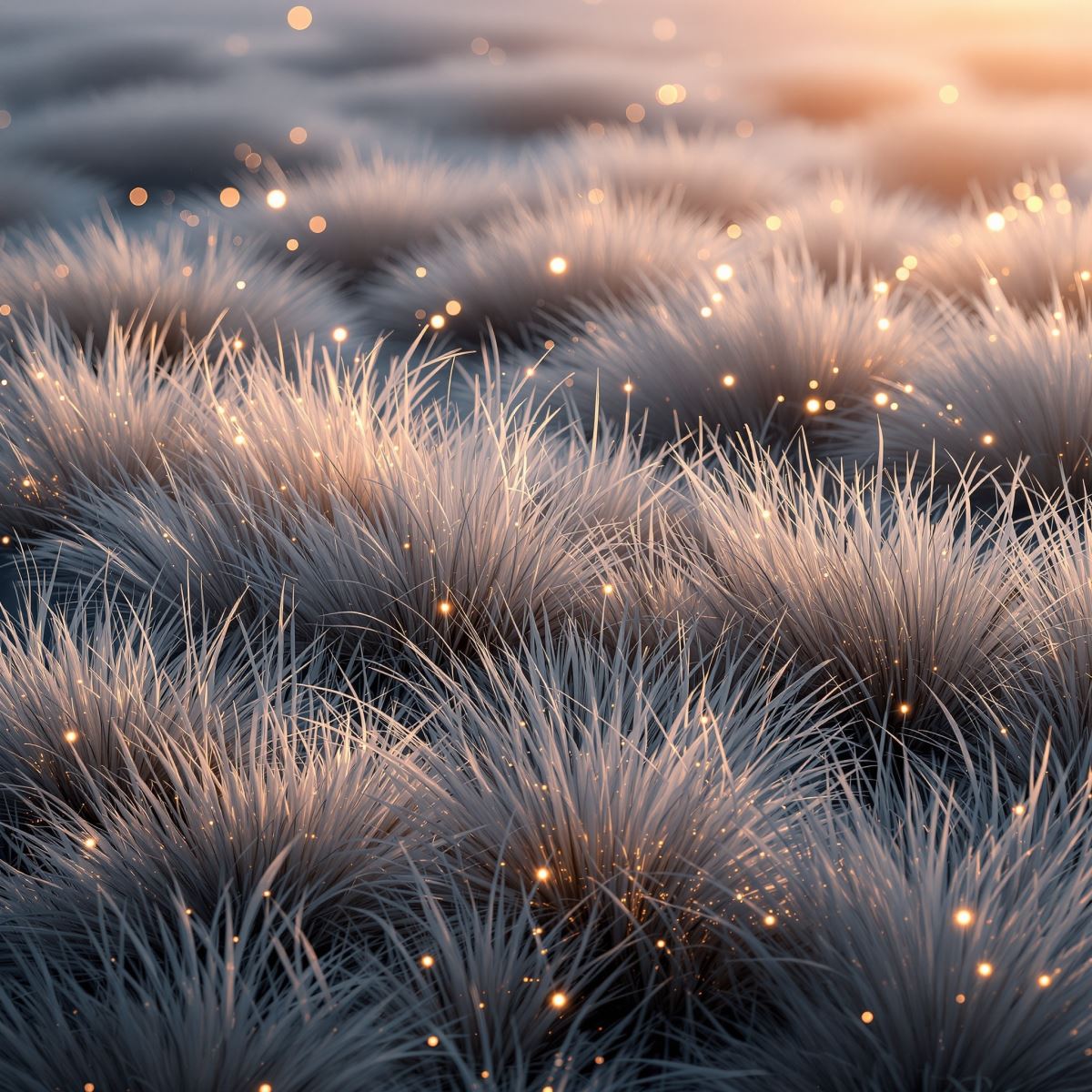
Grass background image shaped by blade density, natural light and organic growth.
This grass background image provides a continuous natural surface for environmental presentations, gardening layouts, sports graphics and outdoor product displays. The visible blades introduce realistic texture, while broader grassy areas can support typography and foreground objects.
What Is a Grass Background?
A grass background is an image in which grass blades, a lawn, an open field or another grass-covered surface forms the primary visual subject. It may show closely cropped blades, naturally growing grass or a wider landscape, provided the grassy surface remains the main point of recognition.
Grass backgrounds differ from Green Backgrounds, which are defined primarily by color. Grass Background is defined by visible vegetation, blade structure, density and natural surface variation.
The Entity is also distinct from Garden Background. A garden includes a broader arranged environment with flowers, paths, trees or decorative features, while Grass Background remains centered on the low vegetation covering the ground.
Grass may appear within a Mountain Background or beneath a Sky Background, but the page remains a Grass Background only when the grassy surface carries the strongest visual weight.
This page belongs to the Whitescreen Background Library and the Theme Background collection.
Grass Background HD Full Screen
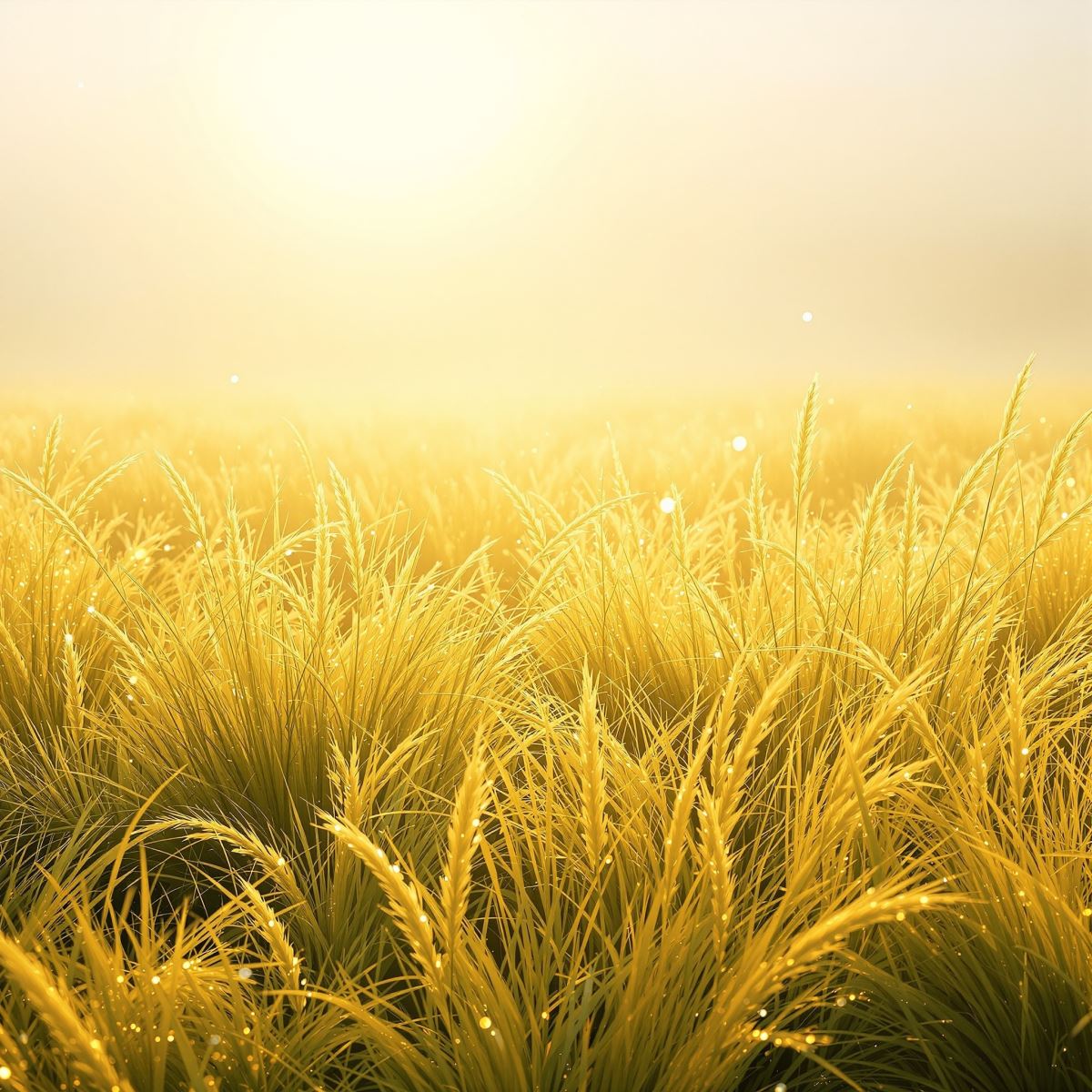
HD grass background preserving individual blade and natural surface detail.
Opening the HD grass background in full screen preserves blade edges, growth direction, subtle shadows and the separation between nearby grass and the wider ground cover. These details keep the surface natural and recognizable across a large monitor or presentation display.
Ways to Use a Grass Background
- Open a grass image in full screen for a fresh natural desktop display.
- Create presentations about landscaping, agriculture and the environment.
- Build gardening, outdoor and eco-focused website hero sections.
- Prepare sports graphics and product displays with a natural ground surface.
- Place typography or objects over broader areas of evenly covered grass.
- Create spring, growth and sustainability-themed visual campaigns.
- Use grassy surfaces in educational, travel and landscape design content.