


















Rose Background
Rose backgrounds use layered petals, recognizable bloom shapes and botanical detail to create a decorative floral setting. This collection lets you open rose background images in full screen for invitations, presentations, websites, editorial layouts and detailed botanical displays.
Rose Background Full Screen

Rose background extending layered blooms and botanical detail across a full-screen display.
Open the image at full size to let the floral subject fill the display. The layered structure of the petals gives the background visible depth, while softer surrounding areas can still provide room for text, overlays or decorative visual use.
How Layered Rose Petals Create Visual Depth
Roses are visually distinct because their petals fold inward and outward in a compact layered pattern. Smaller inner petals often form a tighter center, while outer petals open more broadly and create a fuller bloom shape.
Light moves differently across each curved petal edge, producing soft highlights, shadows and tonal variation. This keeps a rose background from appearing flat and helps the flower remain visually recognizable even when used behind typography or design elements.
Rose Background Images
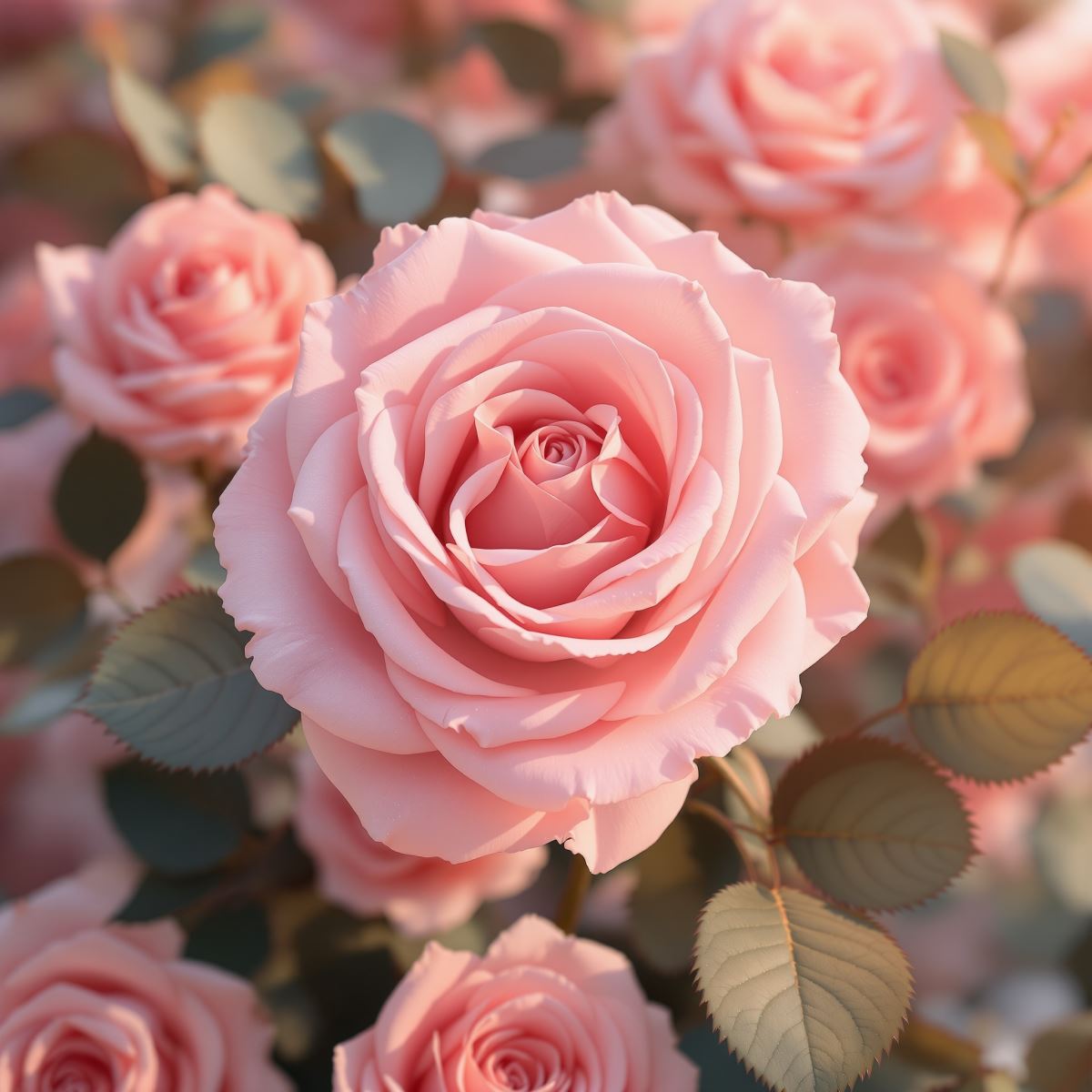
Rose background image shaped by layered petals and botanical color detail.
This rose background image provides a floral foundation for greeting cards, invitations, beauty presentations, florist pages and editorial layouts. The bloom offers an immediate focal subject while the overall arrangement can support both decorative and practical design use.
What Is a Rose Background?
A rose background is an image in which one or more rose blossoms, their petals or a rose-based botanical arrangement forms the primary visual subject. The rose itself must remain the main point of recognition rather than appearing only as a small decorative detail.
Rose backgrounds differ from Floral Backgrounds, which can include many different flower types. A Rose Background is more specific and is defined by the shape, layering and botanical identity of the rose bloom.
The Entity is also distinct from a Pink Background or a Red Background. Rose imagery may contain pink, red, white, yellow or other tones, but the page is defined by the flower rather than by one dominant color.
This page belongs to the Whitescreen Background Library and the Theme Background collection.
Rose Background HD Full Screen

HD rose background preserving petal edges and bloom detail on large screens.
Opening the HD rose background in full screen preserves petal edges, subtle tonal shifts and the layered structure of the bloom across a larger monitor. These details help the flower retain its botanical character instead of blending into a simple field of color.
Ways to Use a Rose Background
- Open a rose image in full screen for a detailed botanical desktop display.
- Create invitations, greeting cards and decorative editorial covers.
- Build beauty, fragrance and skincare presentation layouts.
- Design florist, lifestyle and event website hero sections.
- Place typography in calmer floral areas around the main bloom.
- Use rose imagery for seasonal, romantic or celebration-themed visuals.