

















Jungle Background
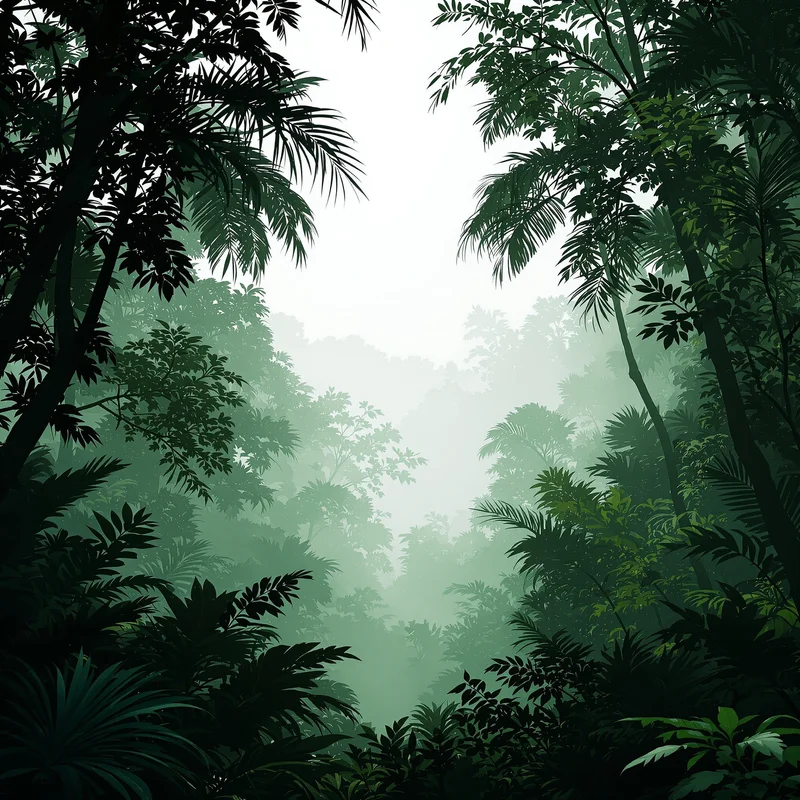
Jungle backgrounds combine dense tropical foliage, climbing vines and overlapping layers of vegetation into an enclosed natural environment. This collection lets you open jungle background images in full screen for environmental presentations, travel websites, adventure graphics and immersive tropical displays.
Jungle Background Full Screen
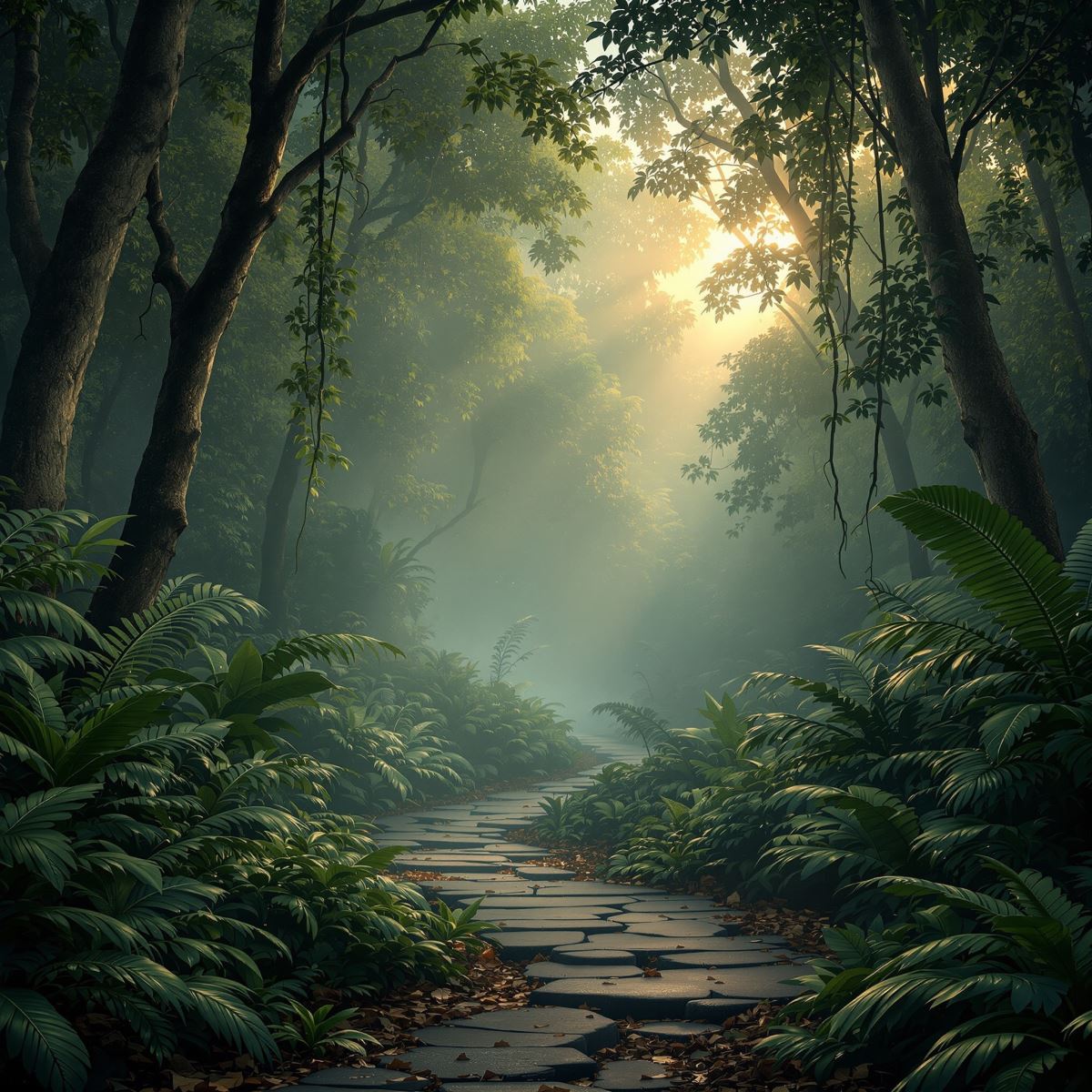
Jungle background extending layered tropical vegetation across a full-screen display.
Open the image at full size to let overlapping leaves, vines and shaded vegetation surround the entire display. Foreground foliage creates a sense of immediate enclosure, while softer layers behind it suggest additional depth within the jungle environment.
How Layered Vegetation Creates Jungle Depth
Jungle depth begins with plant material positioned at different visual distances. Large leaves and vines in the foreground may partially block the view, making the scene feel as though it continues beyond the visible frame.
Midground vegetation adds density by overlapping trunks, stems and leaf clusters. These layers reduce open sightlines and distinguish a jungle from a more spacious woodland or organized garden.
The upper canopy controls how much light reaches the lower vegetation. Small illuminated areas, filtered light and deeper pockets of shade help separate the canopy, understory and forest floor without flattening them into one field of green.
Jungle Background Images
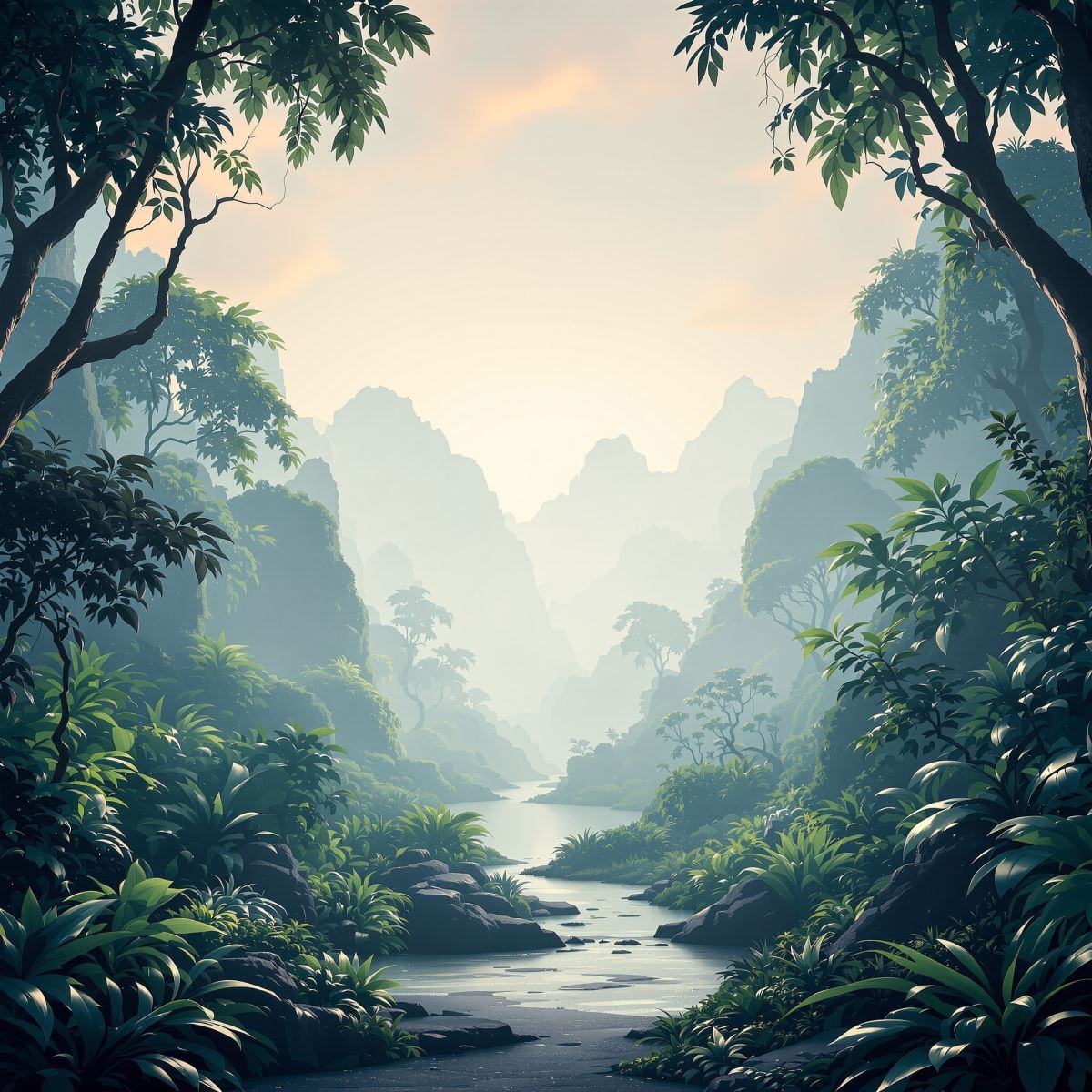
Jungle background image shaped by overlapping foliage and filtered natural light.
This jungle background image provides a dense natural setting for wildlife presentations, eco-tourism graphics, adventure layouts and cinematic scenes. Darker spaces between leaves can support typography, while the surrounding vegetation maintains a strong tropical identity.
What Is a Jungle Background?
A jungle background is an image in which dense tropical vegetation, overlapping foliage, vines or multiple layers of plant growth form the primary visual environment. Individual trees may be visible, but the overall density of the vegetation remains the defining feature.
Jungle backgrounds differ from Forest Backgrounds. A forest may contain clearer spacing between trunks and longer visible paths, while jungle imagery typically presents heavier foliage, greater obstruction and a more enclosed atmosphere.
The Entity is also distinct from Tree Background, where one tree or a clearly defined group of trees forms the central subject. Jungle Background focuses instead on the complete layered environment.
Although green is common in jungle imagery, this page is not simply a variation of Green Background. Jungle identity comes from foliage, vines, depth and plant density rather than from one dominant color.
This page belongs to the Whitescreen Background Library and the Theme Background collection.
Jungle Background HD Full Screen
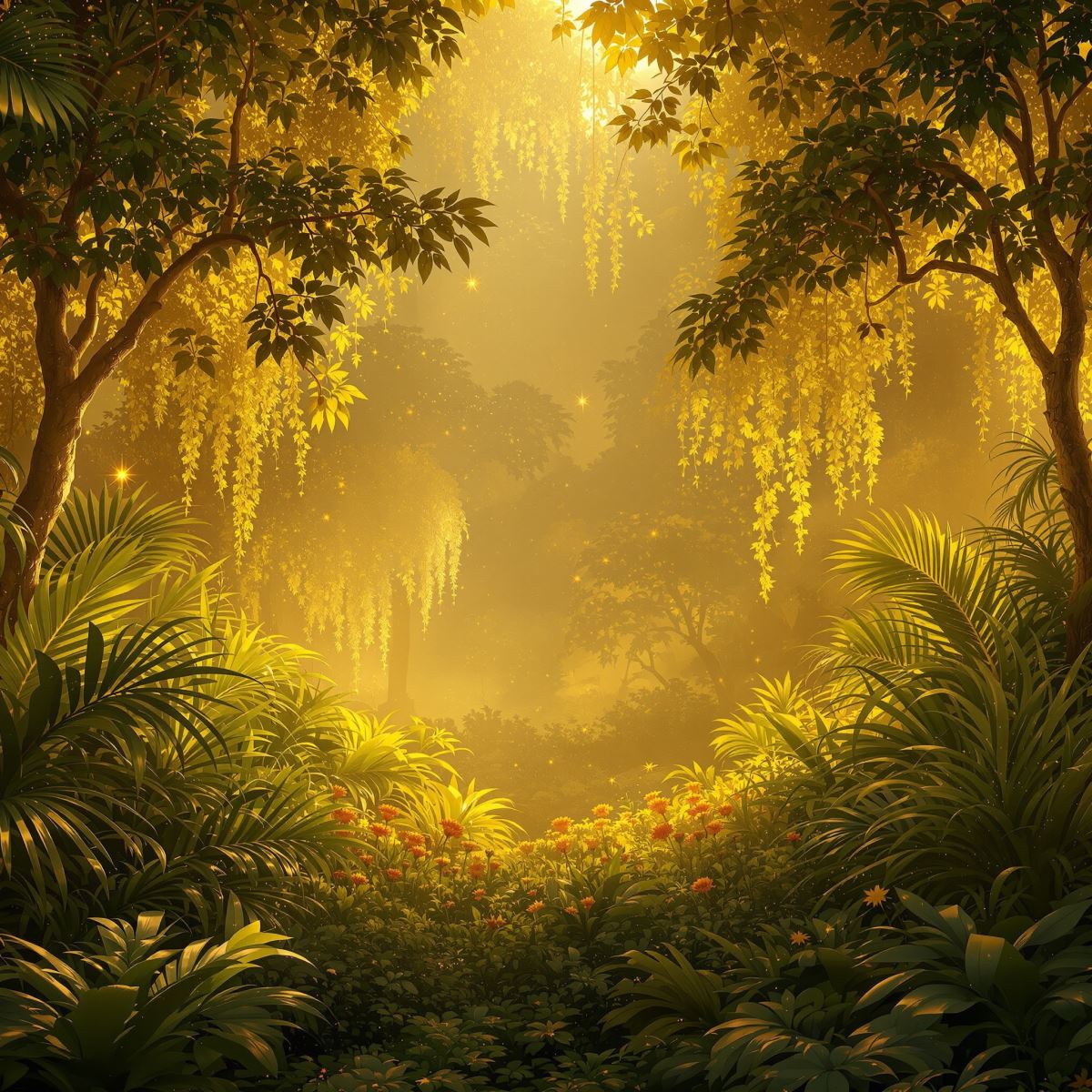
HD jungle background preserving leaf, vine and canopy detail on large screens.
Opening the HD jungle background in full screen preserves leaf edges, fine vines, shaded plant textures and the separation between foreground, understory and canopy layers. These details help the vegetation retain depth across a large monitor instead of merging into a uniform green surface.
Ways to Use a Jungle Background
- Open a jungle image in full screen for an immersive tropical desktop display.
- Create presentations about biodiversity, conservation and tropical ecosystems.
- Build travel, wildlife and eco-tourism website hero sections.
- Develop game environments, film titles and adventure storytelling scenes.
- Place typography within shaded gaps between foliage and vines.
- Prepare campaigns for outdoor equipment, exploration and nature experiences.
- Use layered vegetation behind educational or environmental graphics.