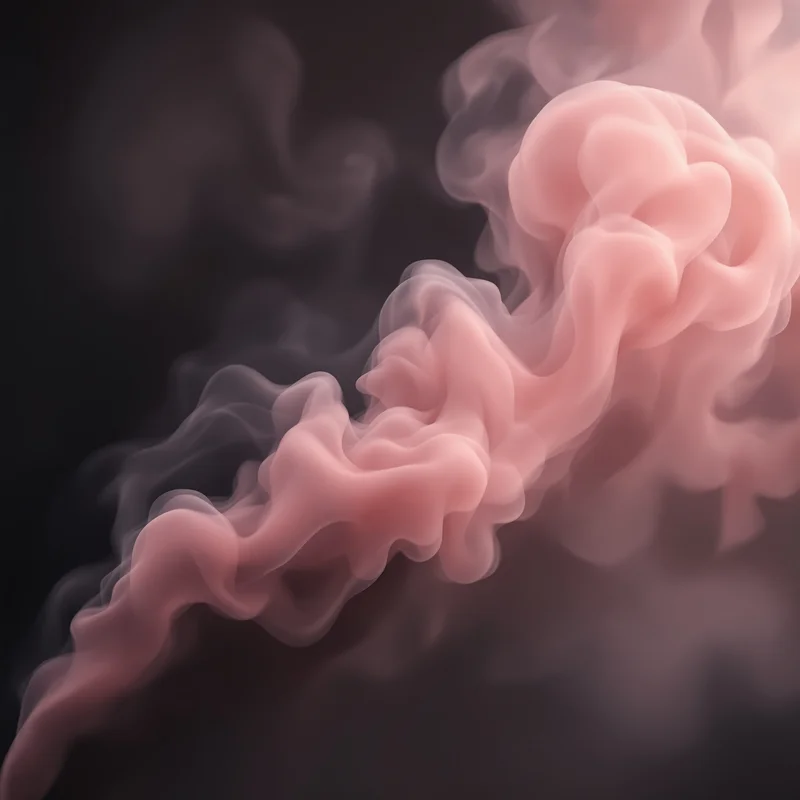


















Smoke Background
Smoke backgrounds use wispy forms, changing opacity and soft diffusion to create a layered atmospheric visual field. This collection lets you open smoke background images in full screen for websites, presentations, posters, typography and large visual displays.
Smoke Background Full Screen
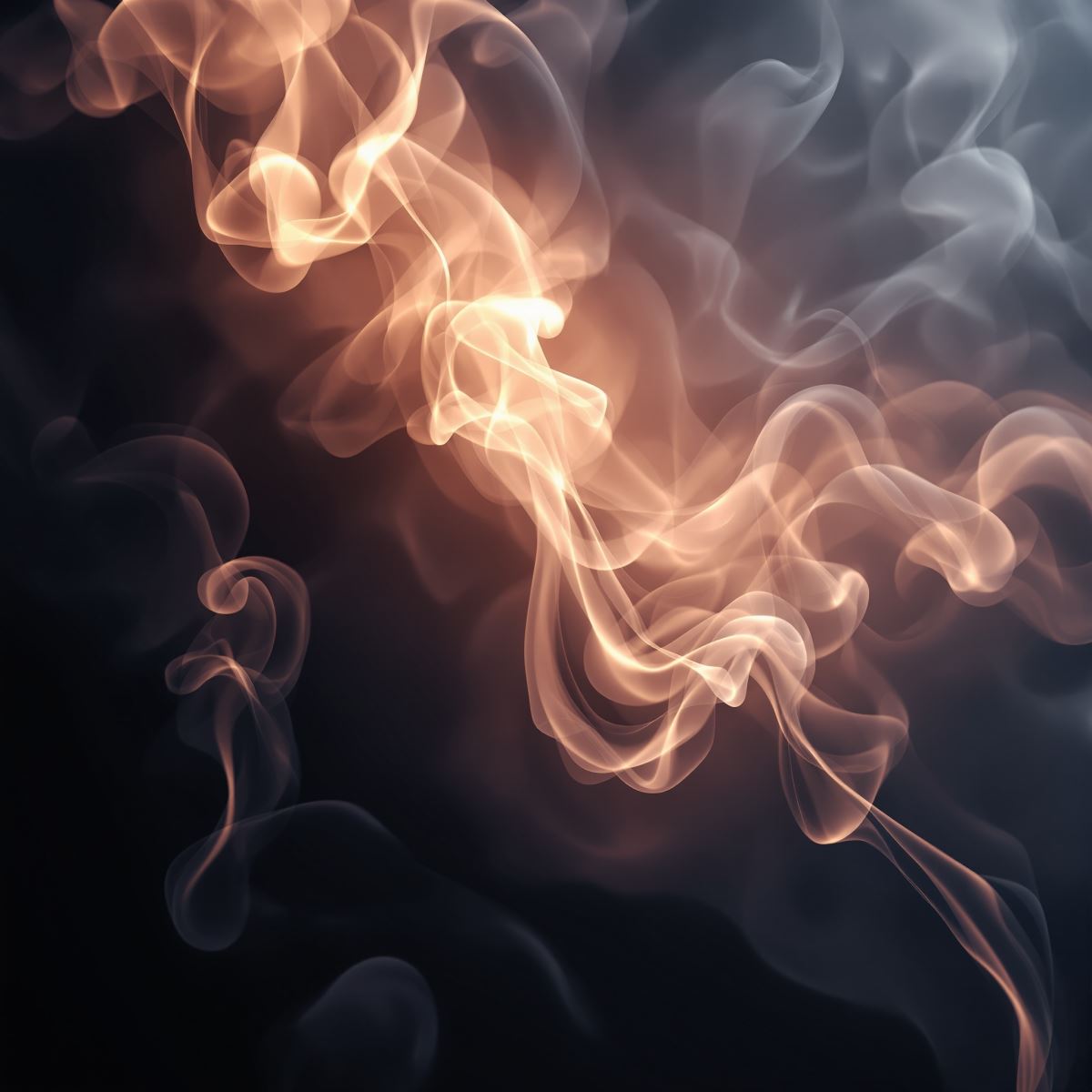
Smoke background extending diffused wisps and layered opacity across a full-screen display.
Open the image at full size to inspect how smoke density, transparency and soft edges vary across the entire display. Full-screen viewing makes overlapping wisps and quieter areas easier to evaluate when the image is used behind typography, graphics or presentation content.
How Density and Diffusion Create Smoke Depth
Smoke gains visual depth through irregular changes in density. Some regions can appear more concentrated, while others become increasingly transparent, creating separation between overlapping atmospheric layers.
Soft diffusion shapes the boundaries of these forms. Rather than ending at hard edges, smoke-like structures transition gradually into the surrounding area, producing a lighter and more fluid visual field.
Layer overlap further strengthens the sense of depth. Where multiple wisps intersect, opacity and tonal contrast can increase, while more open regions provide negative space that can support foreground content.
Smoke Background Images
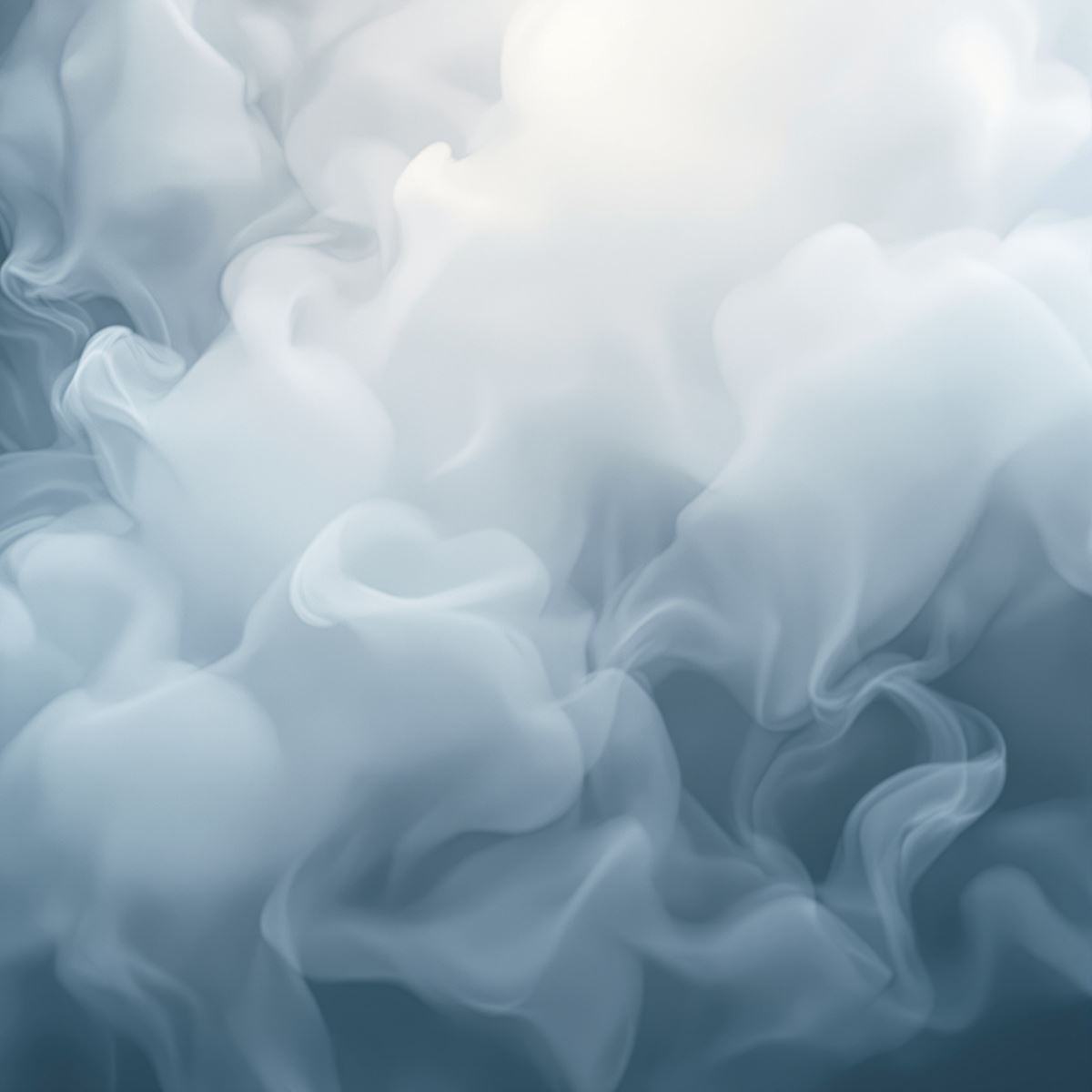
Smoke background image shaped by irregular wisps, density variation and atmospheric depth.
This smoke background image provides a layered atmospheric field for posters, website sections, presentation covers and graphic layouts. Diffused forms add visual movement, while less dense areas can support headings, logos or other foreground elements.
What Is a Smoke Background?
A smoke background is an image in which wispy forms, changing opacity, soft diffusion and irregular layered flow create the primary visual identity. Color, darkness or surrounding design elements remain secondary to the behavior of the smoke-like forms.
Smoke backgrounds differ from Cloud Backgrounds. Cloud Background is defined by broader cloud formations and atmospheric masses, while Smoke Background emphasizes narrower wisps, irregular diffusion and more localized changes in density.
The Entity is also distinct from Fire Background. Fire is defined by luminous flame structure and heat-related visual behavior, while Smoke Background focuses on non-luminous diffused forms, changing opacity and layered atmospheric flow.
Smoke may visually overlap with Dark Background, Abstract Background or Gradient Background, but these remain separate Entities. Dark Background is defined by low luminance, Abstract Background by composition, and Gradient Background by continuous color transition. Smoke Background is defined by wispy, diffused and semi-transparent structure.
This page belongs to the Whitescreen Background Library and the Theme Background collection.
Smoke Background HD Full Screen
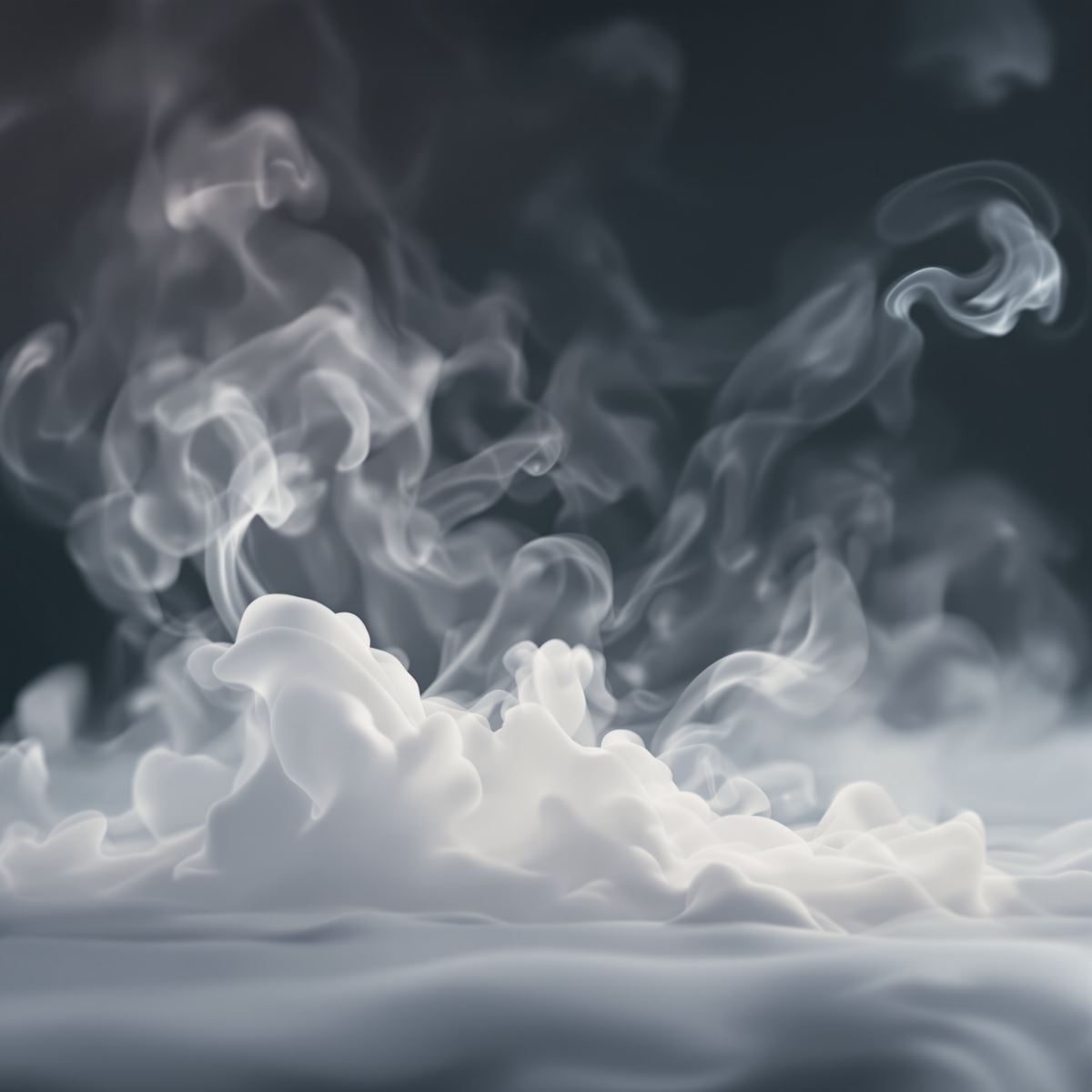
HD smoke background preserving fine wisps, soft edges and layered transparency.
Opening the HD smoke background in full screen preserves fine wispy detail, subtle opacity boundaries and soft diffused transitions across a large monitor or presentation display. These characteristics help the layered atmospheric structure remain visible at larger viewing sizes.
Ways to Use a Smoke Background
- Open a smoke image in full screen to inspect its wispy layers, changing density and soft diffused edges across the display.
- Create poster and presentation covers with layered atmospheric depth.
- Build website hero sections that use diffused smoke behind typography or graphics.
- Use smoke backgrounds in entertainment, gaming and dramatic visual layouts.
- Place headings, logos or products over areas with lower smoke density and sufficient contrast.
- Create editorial and promotional graphics with soft visual movement.
- Use smoke imagery as a desktop background across the full monitor.