How to Check Screen Uniformity – Detect Uneven Brightness and Color Issues
Not all screen problems are obvious. Sometimes your display looks fine at first glance, but subtle issues like uneven brightness, color shifts, or shadow patches can affect your viewing experience.
This is where screen uniformity testing becomes important. In this guide, you’ll learn how to check your screen properly using fullscreen color tests to detect hidden inconsistencies.
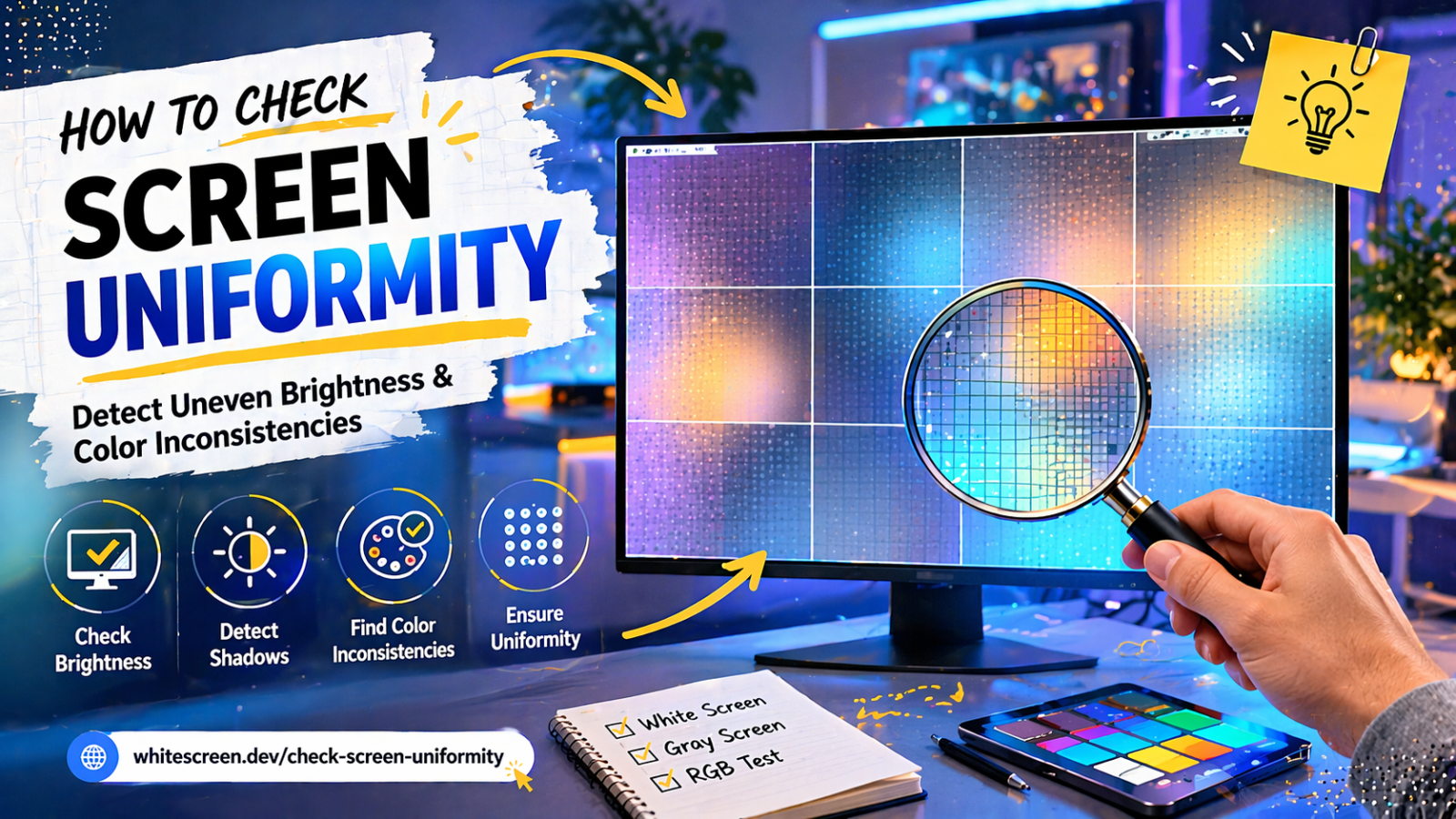
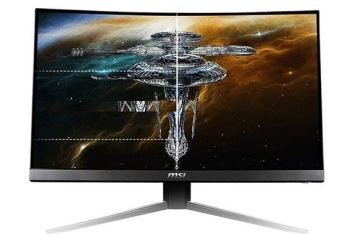
Screen uniformity testing reveals uneven brightness and color inconsistencies across your display.
Quick Answer: What Is Screen Uniformity?
Screen uniformity refers to how evenly brightness and colors are displayed across your entire screen. A perfect display should look consistent from edge to edge.
In reality, many screens show slight variations that can only be detected under specific conditions.
Why Screen Uniformity Matters
Even small inconsistencies can impact your experience, especially when:
- Watching videos with dark scenes
- Editing photos or videos
- Working with color-sensitive tasks
Uniformity issues can appear as darker corners, bright spots, or color tint shifts.
Step-by-Step: How to Check Screen Uniformity
- Open a fullscreen color screen.
- Set brightness between 70–100%.
- Use a dim or controlled lighting environment.
- Display a white or gray screen first.
- Slowly scan across the entire display.
- Switch to other colors to confirm inconsistencies.
Use these tools for testing:
Best Colors for Uniformity Testing
- White / gray: best for brightness uniformity
- Black: reveals backlight bleeding
- RGB colors: show color inconsistencies
For more detail on color behavior:
Best Colors for Dead Pixel Testing
Common Uniformity Issues
Uneven Brightness
Some areas appear brighter or darker than others.
Backlight Bleeding
Light leaks from edges, especially visible on black screens.
Color Tint Shift
Parts of the screen may appear warmer or cooler.
Advanced Testing Tips
- Check from different viewing angles
- Test at multiple brightness levels
- Use slow eye movement across the screen
- Repeat tests to confirm patterns
Common Mistakes
- Testing in bright environments
- Ignoring subtle differences
- Using only one color
- Testing too quickly
When Should You Check Screen Uniformity?
- After buying a new monitor
- When colors look inconsistent
- Before warranty expires
Related Testing Guides
Frequently Asked Questions
Is screen uniformity perfect on all displays?
No, most displays have slight variations, even high-end ones.
Can uniformity issues be fixed?
Usually no, but adjusting brightness or calibration may help.
Is this problem common?
Yes, especially on large or budget displays.
Does uniformity affect daily use?
It depends on severity. Minor issues are often unnoticeable.