How to Clean Your Monitor Using a White Screen (Safe Screen Cleaning Guide)


How to Clean Your Monitor Using a White Screen

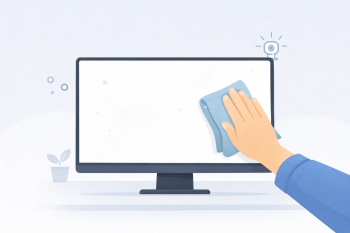
Cleaning a monitor properly can be difficult because dust, fingerprints, and smudges are often hard to see against normal desktop backgrounds. One simple solution is to use a fullscreen white screen, which makes particles and stains clearly visible.

The white screen tool creates a bright, uniform background that helps reveal dust and surface marks on your display, making the cleaning process easier and more effective.
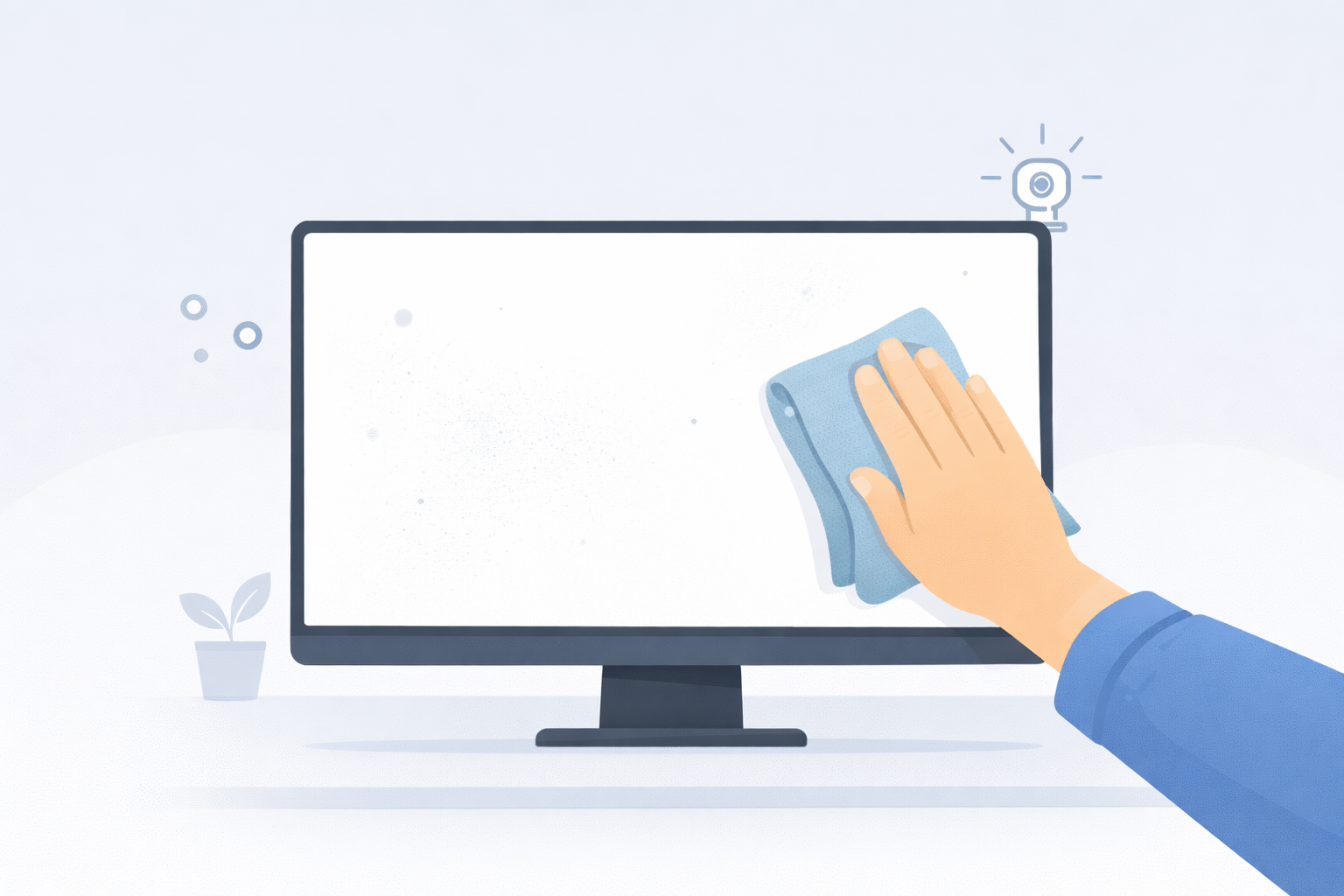
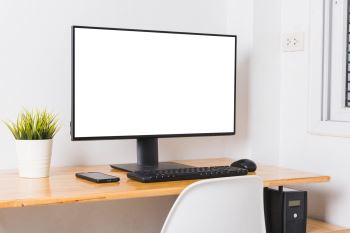
cleaning a computer monitor using a white screen to reveal dust and fingerprints

Why a White Screen Helps When Cleaning a Monitor

A white background reflects the maximum amount of light from your display. Because of this brightness, dark particles such as dust, fingerprints, and smudges stand out clearly against the screen.

This contrast makes it easier to see exactly where your monitor needs cleaning, helping you wipe the surface more accurately without missing spots.

Step-by-Step: Cleaning Your Monitor Safely

  1. Open the white screen tool.
  2. Click anywhere to enter fullscreen mode.
  3. Use a clean microfiber cloth to gently wipe the screen.
  4. Move the cloth in small circular motions.
  5. Check the screen again to ensure all dust and smudges are removed.

Best Cloth for Cleaning a Monitor

The safest option for cleaning screens is a microfiber cloth. Microfiber is soft enough to remove dust without scratching delicate display surfaces.

Avoid paper towels or rough fabrics because they can leave lint or create micro-scratches.

Should You Use Cleaning Liquids?

In most cases, a dry microfiber cloth is enough to remove dust and fingerprints. If a stain remains, slightly dampen the cloth with distilled water.

Never spray liquid directly onto the monitor. Always apply moisture to the cloth first.

Other Screen Tools for Display Maintenance

Different color backgrounds can help detect other display issues during inspection.

Switching between these fullscreen screens allows you to quickly inspect your monitor for potential display issues.

How Often Should You Clean Your Screen?

Most monitors only need cleaning every few weeks depending on your environment. Dust accumulates faster in rooms with open windows or heavy computer use.

Using a white screen makes it easy to quickly check whether your display needs cleaning.

Conclusion

A fullscreen white background is a simple and effective way to inspect and clean your monitor. By using the white screen tool, you can easily reveal dust, fingerprints, and surface marks that would otherwise be difficult to see.

This quick method helps keep your display clean and ensures better visibility when using your computer.

How to Clean Your Screen Safely – Streak-Free Monitor Cleaning Guide


How to Clean Your Screen Safely – Streak-Free Monitor Cleaning Guide

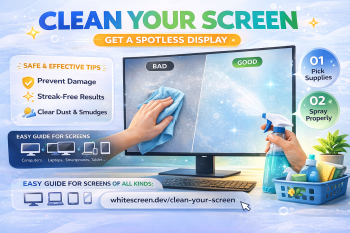
Dust, fingerprints, and smudges build up on your screen over time, making everything look dull or blurry. Many people try to clean their screen quickly, but using the wrong method can cause permanent damage.

This guide shows you exactly how to clean your screen safely, avoid streaks, and keep your display looking clear — whether you're using a monitor, laptop, or phone.

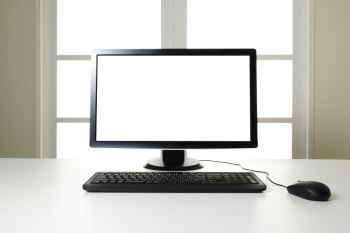
Cleaning monitor using white screen to reveal dust and smudges clearly

A white screen helps reveal dust, smudges, and streaks during cleaning.

Quick Answer: The Safest Way to Clean a Screen

Use a microfiber cloth and gently wipe the screen while it is turned off. Avoid spraying liquid directly onto the display, and never use harsh chemicals.

Why a White Screen Helps When Cleaning

A white screen makes dirt and smudges highly visible. Unlike normal content, it creates a uniform background that highlights even the smallest particles.

Use it here:

Open White Screen

Step-by-Step: How to Clean Your Screen Properly

  1. Turn off your screen.
  2. Open a white screen for inspection.
  3. Use a clean microfiber cloth.
  4. Wipe gently in circular or straight motions.
  5. Check for remaining smudges using white background.
  6. Repeat if necessary.

What You Should Use

  • Microfiber cloth (essential)
  • Distilled water (if needed)
  • Screen-safe cleaning solution (optional)

What You Should NEVER Use

  • Paper towels
  • Alcohol-based cleaners
  • Glass cleaners
  • Rough cloth or tissues

These can scratch or damage your display coating.

How to Spot Dirt vs Screen Issues

Sometimes what looks like dirt is actually a screen defect. Use this method:

  • If it disappears after wiping → it's dirt
  • If it remains → it may be a pixel issue

To confirm, use:

Advanced Cleaning Tips

  • Clean under soft lighting, not harsh light
  • Use minimal pressure
  • Check from different angles
  • Clean regularly to prevent buildup

Common Mistakes

  • Spraying liquid directly on the screen
  • Using too much force
  • Cleaning while screen is on
  • Using dirty cloth

When Should You Clean Your Screen?

  • When you see visible dust or smudges
  • Before testing screen quality
  • After long usage sessions

Related Guides

Frequently Asked Questions

Can I use water to clean my screen?

Yes, but only distilled water and in small amounts.

Should I clean while the screen is on?

No, always turn it off for safety and better visibility.

How often should I clean my screen?

Once every few days or when dirt is visible.

Why do streaks appear after cleaning?

Usually due to too much liquid or improper wiping technique.

Download

Download Success on Screen Colors!

Close