How Long Should You Look at a Screen – Healthy Screen Time Guide
In today’s digital world, screens are part of everyday life. Whether you’re working, studying, or relaxing, it’s easy to spend hours in front of a display without realizing the impact on your eyes and body.
So how long is too long? And more importantly, how can you use screens without harming your comfort or focus?
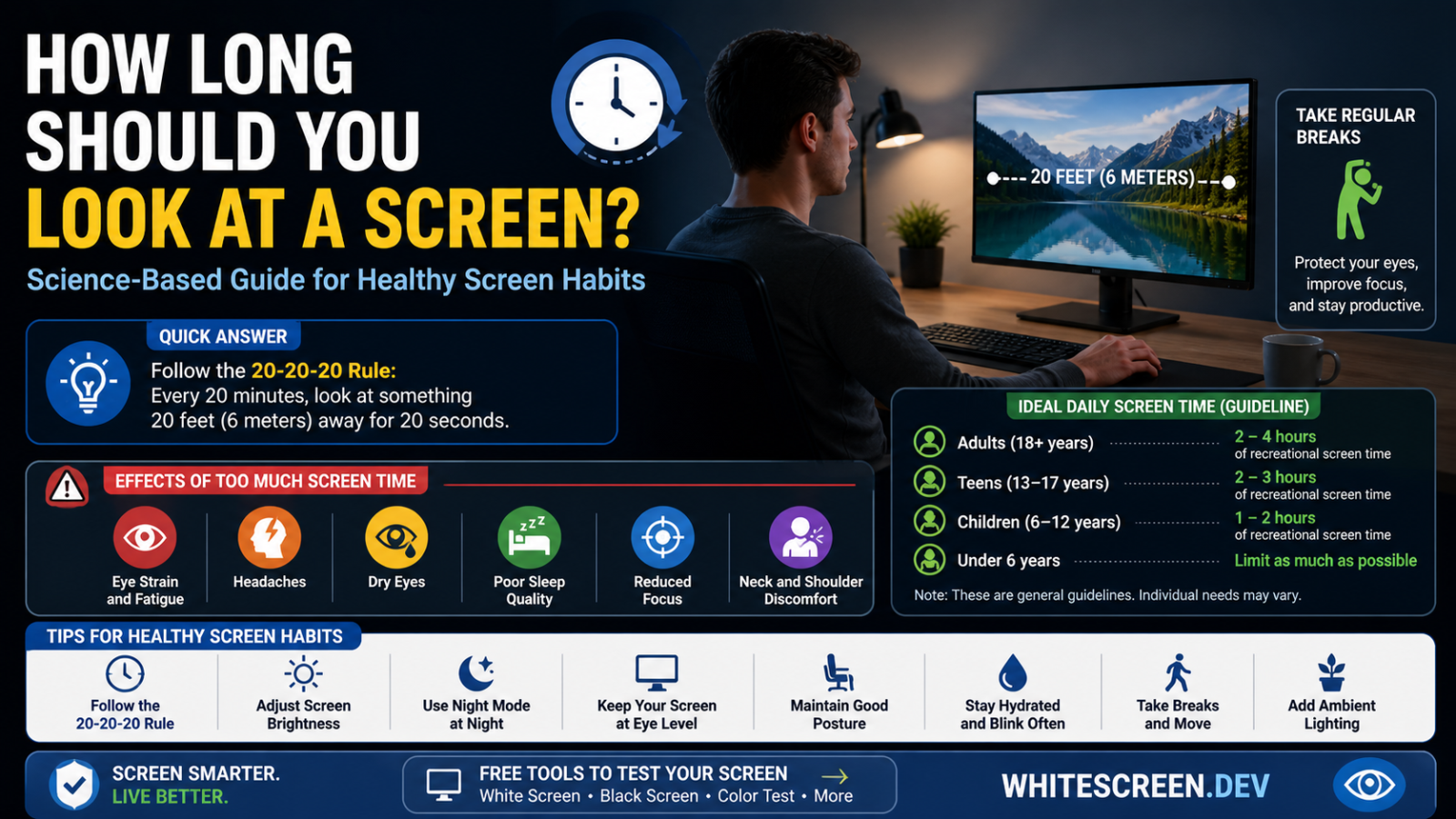
Balanced screen usage and regular breaks help reduce eye strain and fatigue.
Quick Answer: How Long Should You Look at a Screen?
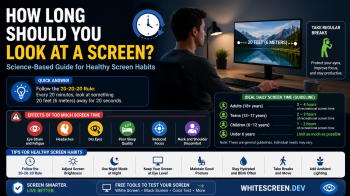
There is no strict limit, but the most recommended guideline is the 20-20-20 rule:
- Every 20 minutes
- Look at something 20 feet away
- For at least 20 seconds
This simple habit helps reduce eye strain significantly.
Why Long Screen Time Causes Problems
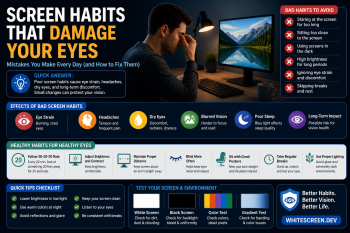
Your eyes are not designed to focus on close objects for extended periods. When you stare at a screen:
- You blink less
- Your eyes stay focused at one distance
- Exposure to light continues without rest
Over time, this leads to fatigue and discomfort.
Common Effects of Too Much Screen Time
- Eye strain and dryness
- Blurred vision
- Headaches
- Difficulty focusing
- Poor sleep quality
If you experience these regularly, your screen habits may need adjustment.
How Much Screen Time Is Safe?
Instead of focusing on total hours, it's more important to manage how you use your screen.
- Short sessions with breaks → low impact
- Long continuous sessions → high strain
Quality of usage matters more than total time.
Best Habits for Healthy Screen Use
1. Follow the 20-20-20 Rule
This is the easiest and most effective habit to adopt.
2. Adjust Your Screen Settings
Brightness and color affect comfort significantly.
Learn more:
3. Maintain Proper Viewing Distance
- Keep screen at arm’s length
- Position screen slightly below eye level
4. Blink More Often
Screen use reduces blinking, which dries your eyes.
5. Use Break Screens
A neutral screen can help your eyes reset:
Advanced Insight: Continuous vs Broken Usage
Two people may use screens for the same number of hours, but the one who takes regular breaks will experience far less strain.
This shows that how you use your screen matters more than how long.
Common Mistakes
- Using screens for hours without breaks
- Ignoring eye discomfort
- Using screens in dark environments
- Not adjusting brightness
When Should You Reduce Screen Time?
You should reduce or adjust usage if:
- Your eyes feel constantly tired
- You experience frequent headaches
- Your vision feels less sharp
Also check:
Related Guides
Frequently Asked Questions
Is 8 hours of screen time too much?
It depends on breaks and habits. Continuous use is more harmful than total hours.
Can screen time damage eyes permanently?
Not usually, but it can cause long-term discomfort and fatigue.
Does taking breaks really help?
Yes, even short breaks significantly reduce strain.
Is phone usage worse than computer?
Phones are often held closer, which can increase strain.