How to Use a Color Screen Test to Check Your Display
Color screen tests are a simple way to evaluate the quality and condition of your monitor or display. By switching between fullscreen colors, you can detect dead pixels, check brightness uniformity, and identify color calibration issues.
Tools like the white screen and other fullscreen color backgrounds make it easy to inspect your screen directly in your browser without installing any software.
What Is a Color Screen Test?
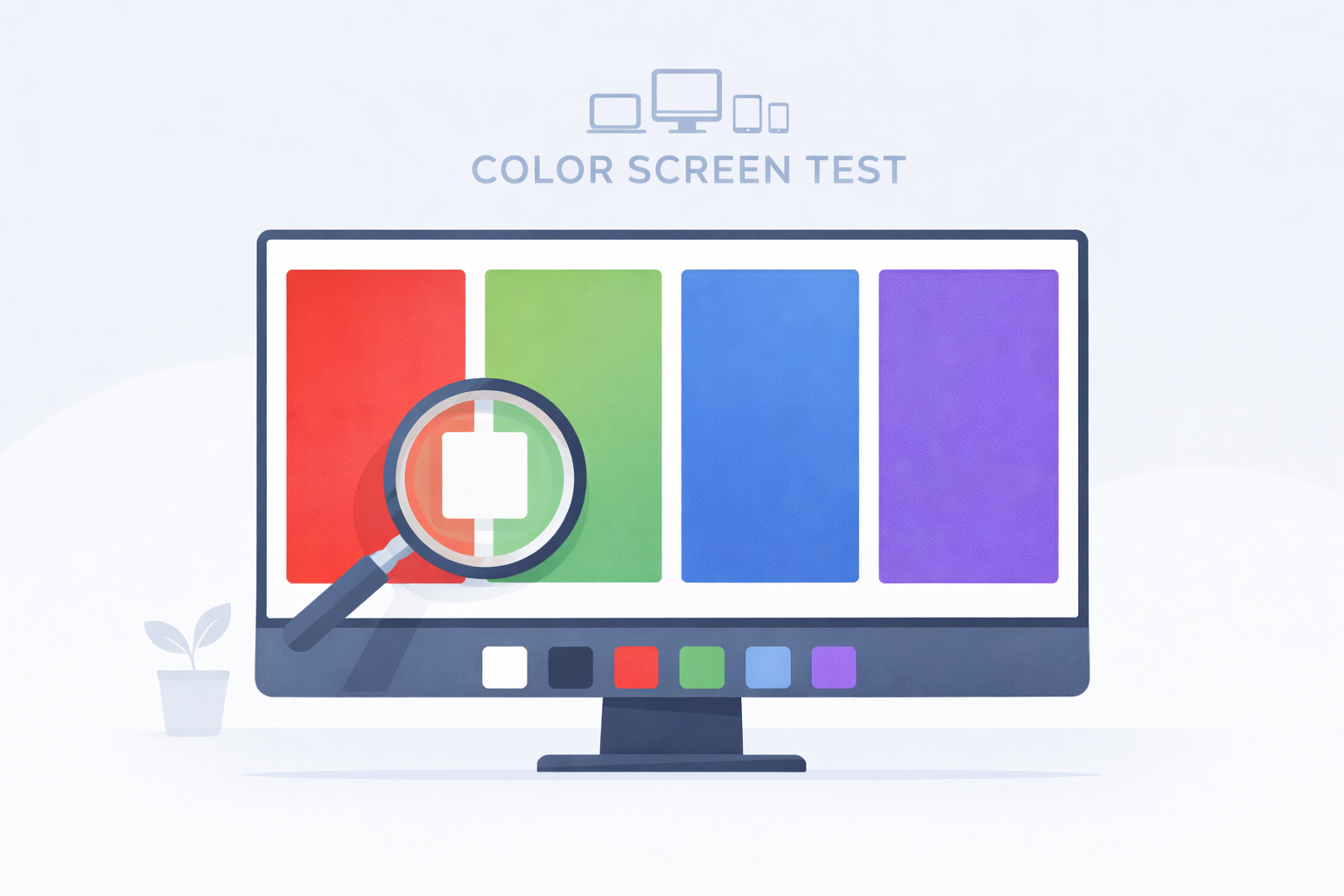
A color screen test displays a single solid color across your entire monitor. Because the screen becomes completely uniform, it becomes easier to notice visual defects or inconsistencies.
Many technicians and display manufacturers use color screen testing to quickly evaluate monitor performance.
Why Color Screen Tests Are Useful
- Detect dead or stuck pixels
- Check screen brightness uniformity
- Identify color balance problems
- Reveal backlight bleeding
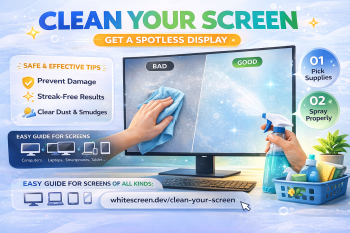
- Inspect screen cleanliness
Using multiple colors provides a more complete inspection of your display.
Important Colors for Display Testing
White Screen
The white screen is useful for revealing dust, scratches, and dark pixels. Because it is very bright, any imperfections become easy to see.
Black Screen
The black screen helps identify glowing pixels and backlight bleed, especially in dark rooms.
Red Screen
The red screen helps test the red color channel and can reveal stuck pixels.
Green Screen
The green screen highlights brightness inconsistencies and color uniformity issues.
Blue Screen
The blue screen helps detect blue channel problems and gradient banding.
How to Run a Color Screen Test
- Open one of the fullscreen color screens.
- Click to enter fullscreen mode.
- Slowly scan your display from edge to edge.
- Look for pixels that appear brighter, darker, or a different color.
- Repeat the test with different colors.
This process usually takes less than five minutes and provides a quick overview of your screen condition.
When Should You Test Your Monitor?
- When purchasing a new monitor
- Before a product warranty expires
- If you notice unusual spots or color problems
- When checking overall display quality
Tips for Accurate Screen Testing
- Test your screen in a moderately lit room.
- Set brightness to a comfortable level.
- View the display from normal viewing distance.
- Check the screen slowly and carefully.
Conclusion
Color screen tests provide a quick and effective way to evaluate your display. By switching between fullscreen colors such as white, black, red, green, and blue, you can easily detect screen issues and ensure your monitor is performing correctly.
Using simple tools like the white screen makes display testing fast, convenient, and accessible for anyone.