How to Check for Dead Pixels Using a Color Screen Test
Dead pixels and stuck pixels are small display defects that can appear on monitors, laptops, or smartphone screens. These tiny dots may remain dark or display the wrong color even when the screen changes.
The easiest way to detect them is by using fullscreen color backgrounds. Tools like the white screen allow you to inspect your display surface and quickly locate abnormal pixels.
What Is a Dead Pixel?
A dead pixel is a pixel on a display that no longer lights up. It usually appears as a small black dot that remains visible regardless of the color shown on the screen.
Dead pixels can happen due to manufacturing defects, display aging, or physical pressure on the screen.
What Is a Stuck Pixel?
A stuck pixel is slightly different. Instead of staying black, it may remain permanently red, green, or blue. Because it still emits light, a stuck pixel may appear as a bright colored dot on certain backgrounds.
How to Perform a Dead Pixel Test
Using fullscreen color screens is the fastest way to detect display pixel issues.
- Open a fullscreen color screen tool.
- Scan the display slowly from edge to edge.
- Look for dots that do not match the background color.
- Repeat the process with multiple color screens.
Switching colors helps reveal different types of pixel problems.
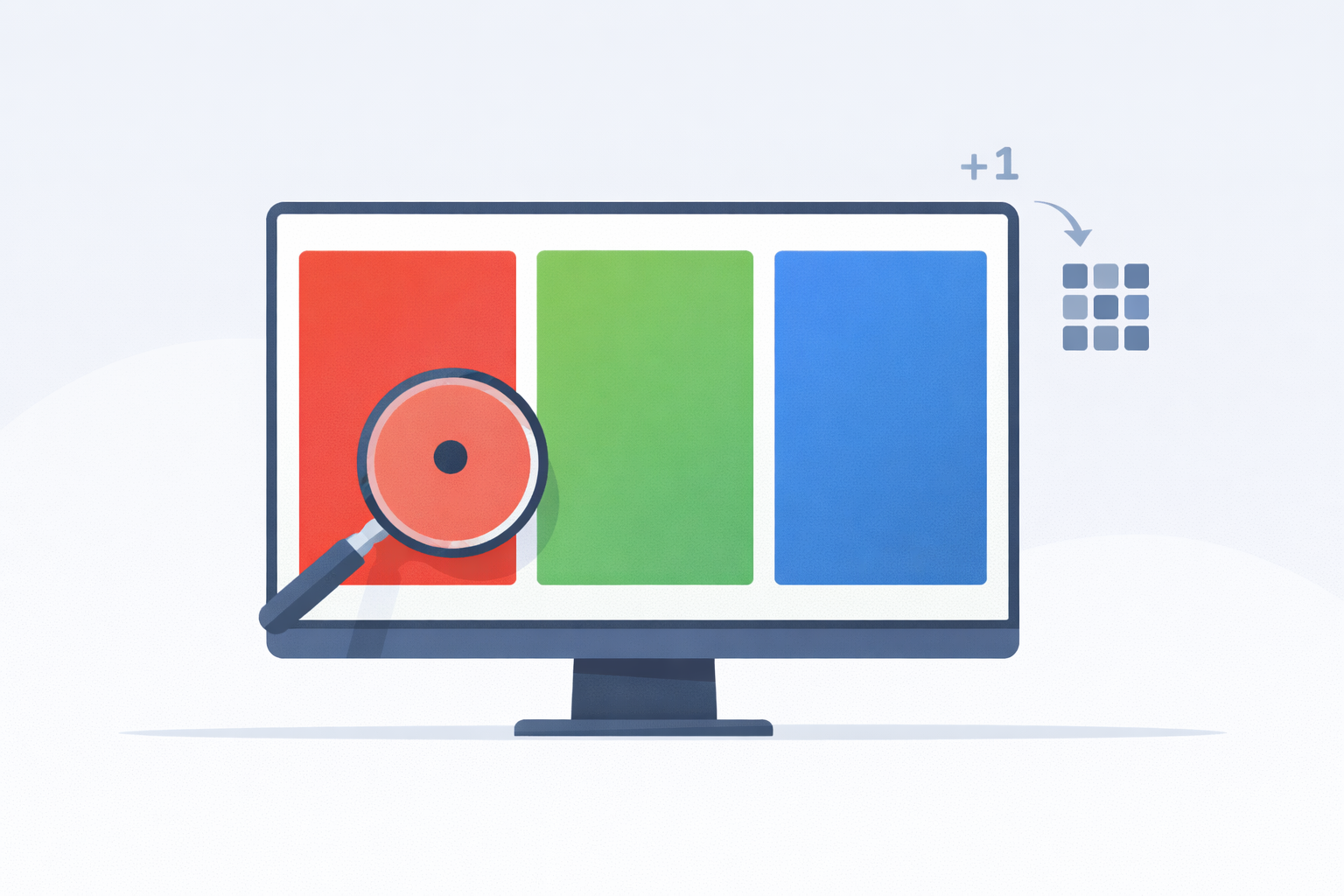
Best Colors for Pixel Testing
- White screen – reveals dark or dead pixels.
- Black screen – helps detect glowing or stuck pixels.
- Red screen – tests the red color channel.
- Green screen – checks green subpixels.
- Blue screen – highlights blue channel issues.
Running these simple tests takes only a few minutes but can quickly reveal screen defects.
How to Confirm a Dead Pixel
If a pixel appears black on every color screen, it is likely a dead pixel. If it changes brightness or color depending on the background, it may be a stuck pixel.
Testing with multiple colors helps confirm the difference.
When Should You Check Your Screen?
- When buying a new monitor or laptop
- Before a warranty period expires
- If you notice unusual dots on the screen
- When testing display quality
Conclusion
Dead pixel testing is quick and easy when using fullscreen color backgrounds. Tools like the white screen and other color screens allow you to inspect your display and detect problems early.
Running a simple color test ensures your screen performs properly and helps you identify defects before they become a larger issue.