































Orange Screen – Fullscreen Background Tool
Whitescreen.dev Orange Screen is a clean, distraction-free fullscreen orange background tool. Use it for warm ambient lighting, visual focus, display diagnostics, or creative studio setups. No gradients. No overlays. Just a uniform orange surface.
How to Use
- Step 1: Open this page.
- Step 2: Click anywhere to activate fullscreen mode.
- Step 3: Use the orange screen for lighting, focus, or testing.
Why Use an Orange Screen?
- Warm lighting: The orange screen creates a cozy glow for video calls or relaxed work sessions.
- Visual focus: Warm tones can feel softer than bright white in evening environments.
- Display testing: Helps reveal mid-tone brightness inconsistencies.
- Creative background: Ideal for warm-themed photography or streaming setups.
Download Orange Screen Background


Orange Light and Evening Comfort
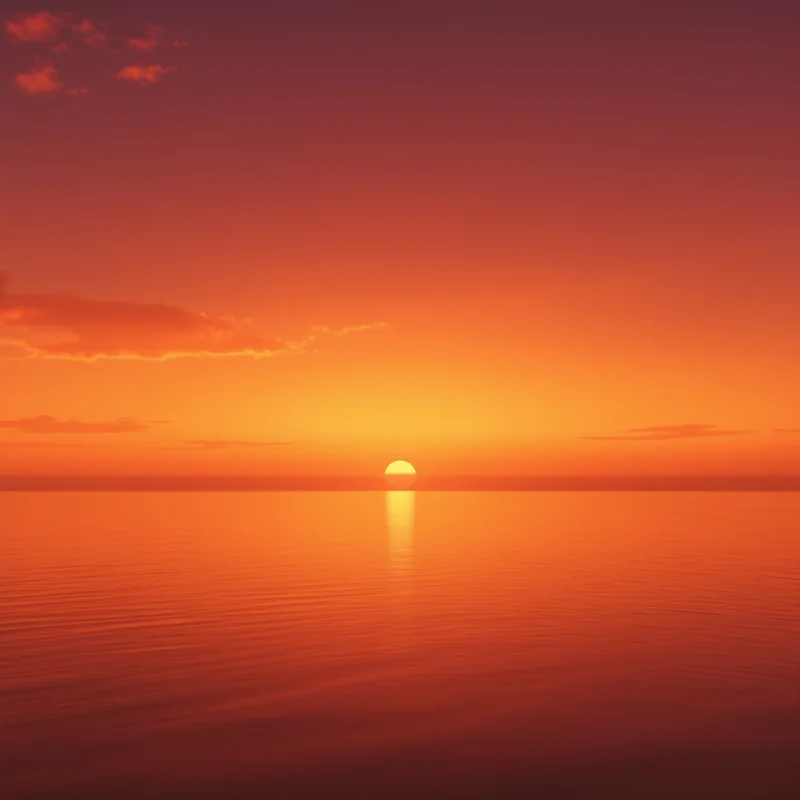
Orange is commonly associated with sunset and indoor warm lighting. Compared to blue or white, orange feels softer and less visually sharp in dim rooms. Many users switch to warm tones in the evening to create a more relaxed visual atmosphere.
Warm Tone vs Cool Tone Perception
This tool does not change your device’s hardware emission spectrum, but a fullscreen orange background visually reduces exposure to cooler hues. In darker environments, this can feel more comfortable than high-contrast white.
Creative and Studio Applications
- Warm backlighting: Add a cozy glow behind a subject during filming.
- Foreground separation: Orange contrasts well with neutral and dark objects.
- Product photography: Suitable for lifestyle or warm-brand aesthetics.
- Streaming ambience: Creates a welcoming tone for live sessions.
Display Calibration and Mid-Warm Testing
A fullscreen orange screen can help detect:
- Tint drift: Areas leaning too red or too yellow.
- Brightness unevenness: Patchy mid-tone illumination.
- Subtle banding: Light gradient artifacts in warm color ranges.
For broader comparison, alternate between yellow, red, and black to evaluate tonal behavior.
Technical Notes
- Perceived warmth varies: Display calibration and color temperature affect accuracy.
- Room lighting matters: Orange appears richer in darker environments.
- Fullscreen recommended: Use fullscreen mode for clean testing.
Explore Other Screen Tools
- ⚪ White Screen
- ⚫ Black Screen
- 🟢 Green Screen
- 🔵 Blue Screen
- 🟡 Yellow Screen
- 🟠 Orange Screen
- 🟣 Purple Screen
- 🌸 Pink Screen
- 💡 Zoom Lighting
Available in Your Language
FAQs
What is the orange screen used for?
It provides a warm fullscreen background for lighting, relaxation, and display testing.
Is orange suitable for video calls?
Yes. It can create a softer, warmer visual tone for webcams and streaming.
Does it work on all devices?
Yes. The orange screen works on smartphones, tablets, and desktops in modern browsers.
Pro Tip
Use orange in the evening and switch to white during the day to adapt your visual environment to ambient lighting conditions.
© 2026 Whitescreen.dev — All rights reserved | License | Contact